KRUSH Software for Rust (Internal)

Information about cheat
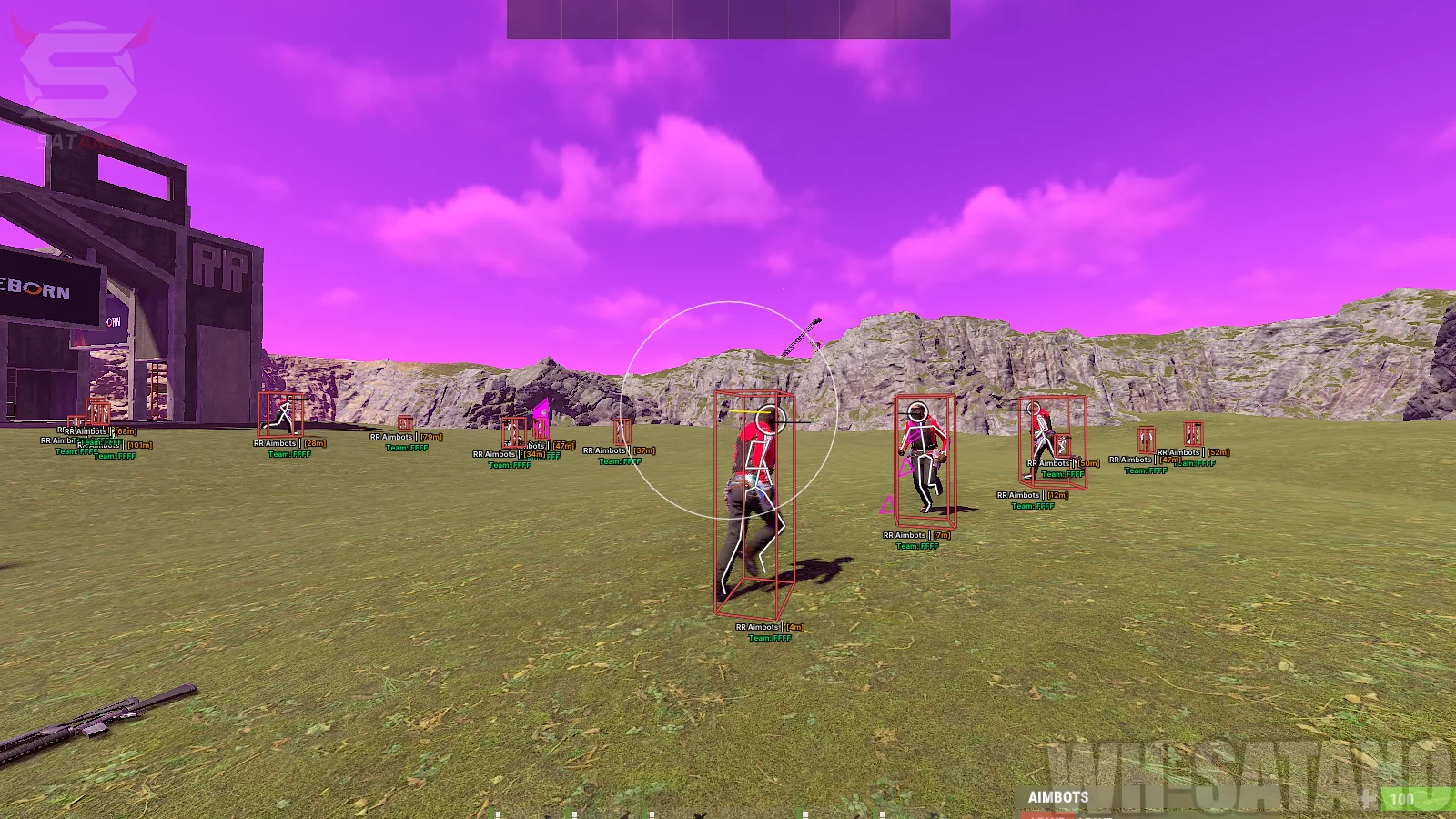
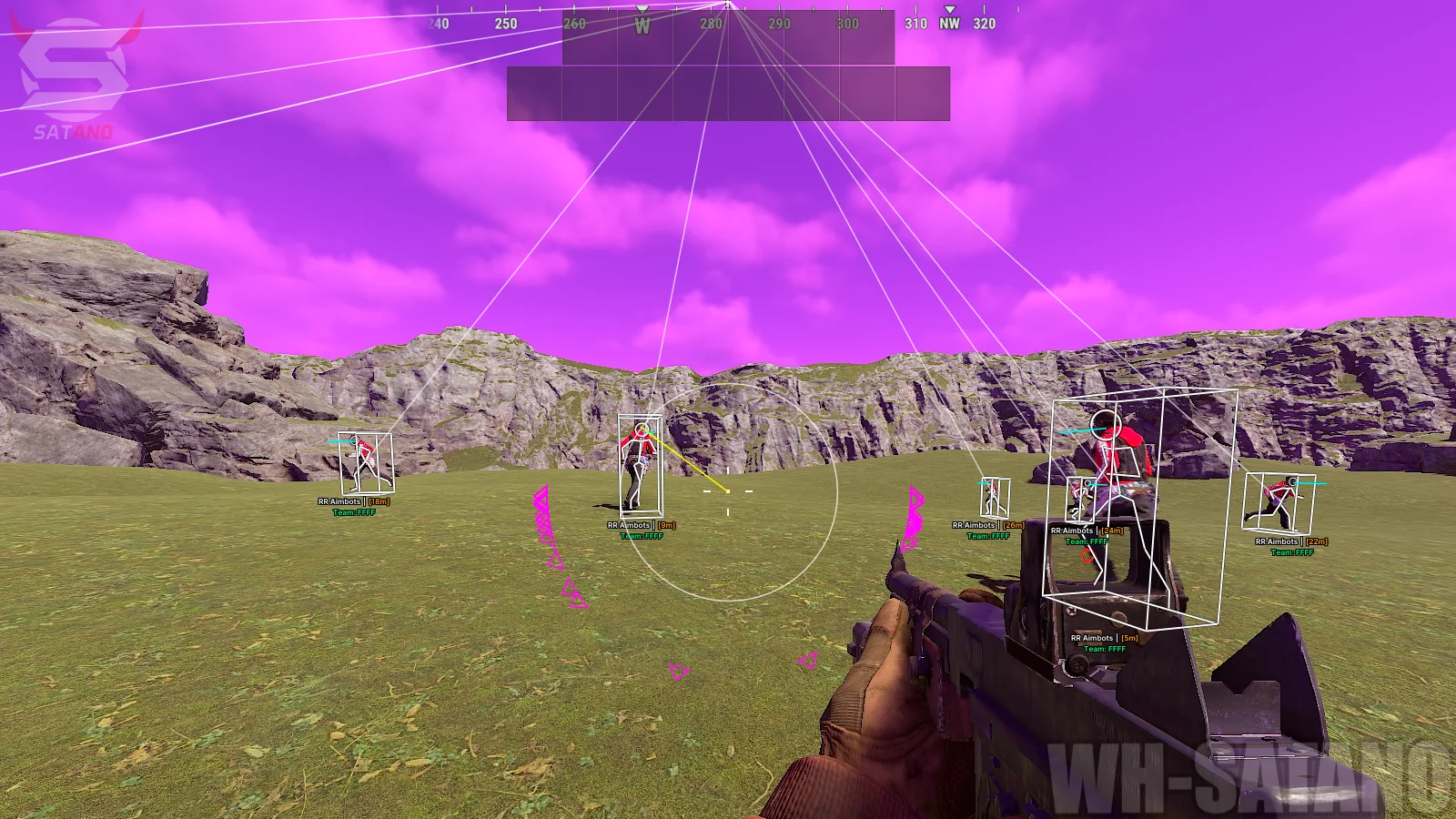
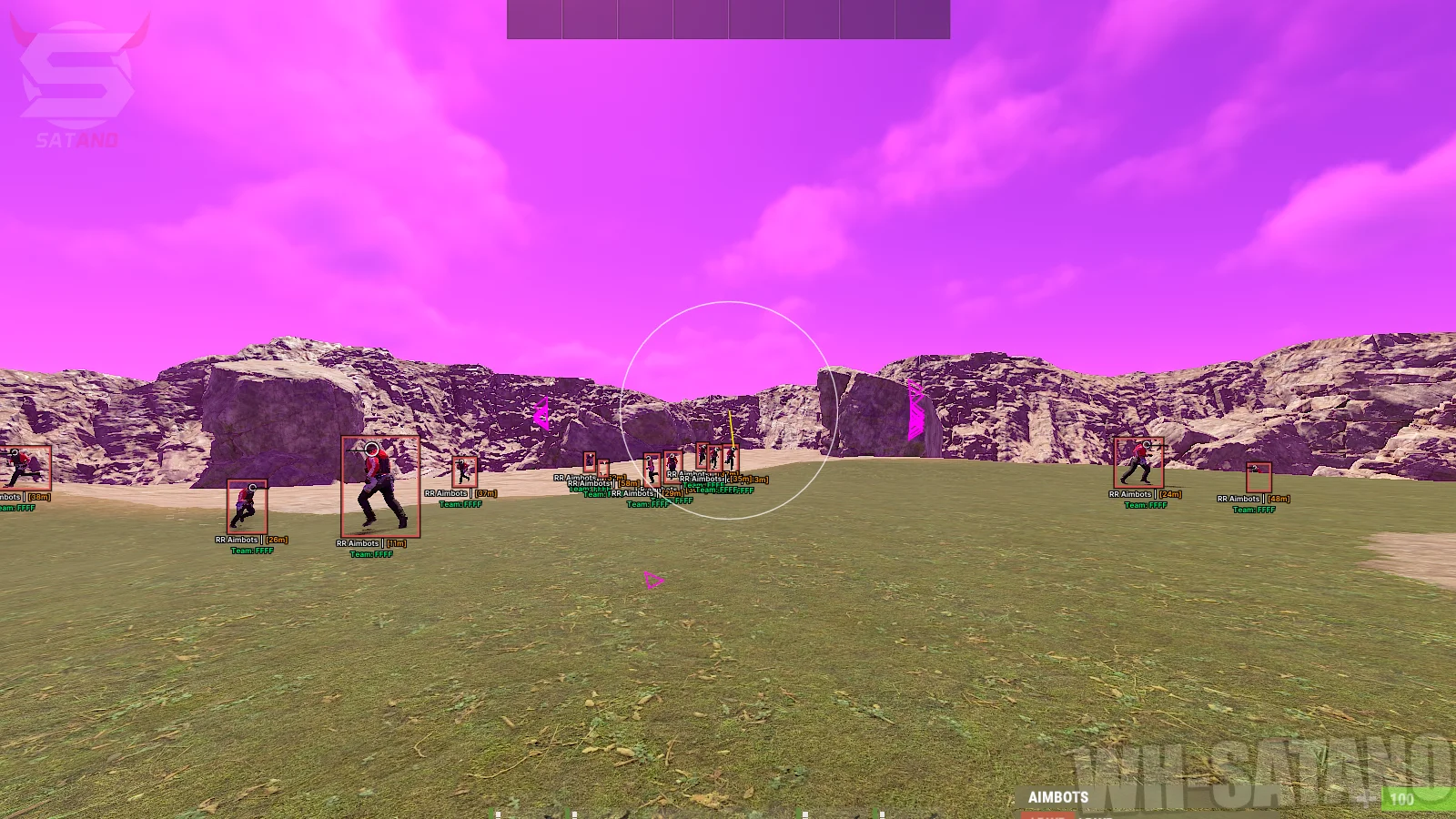
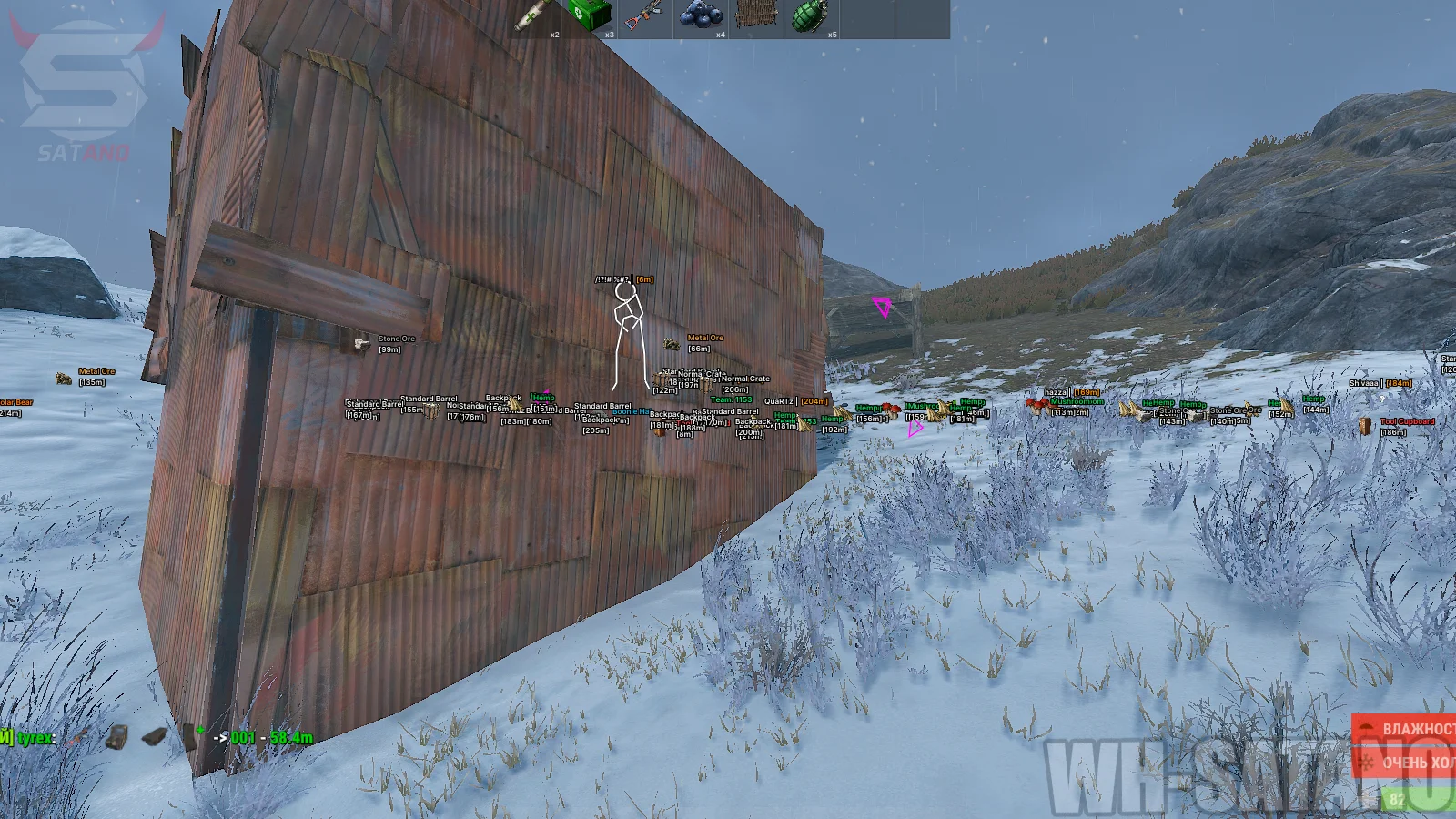
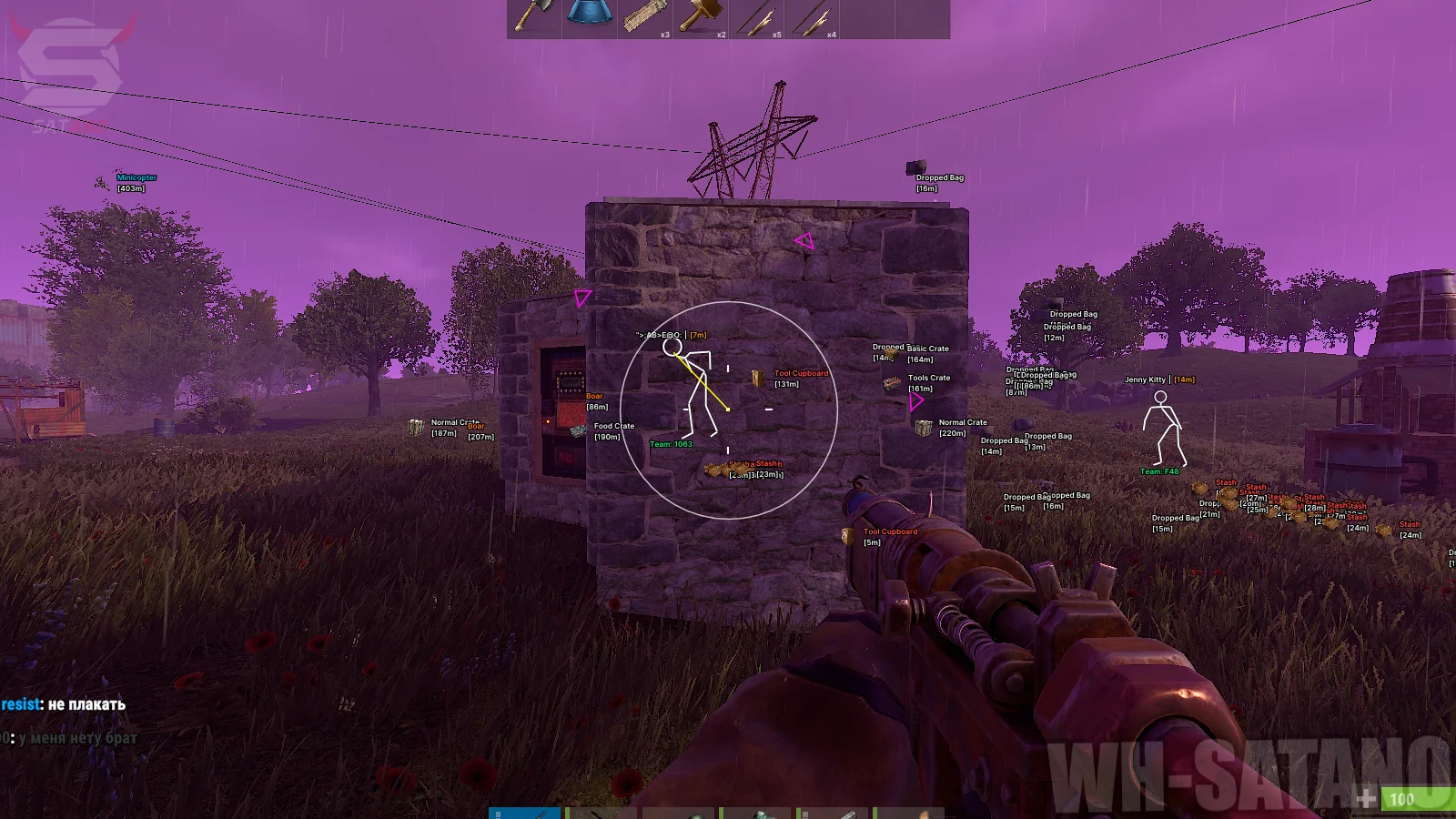
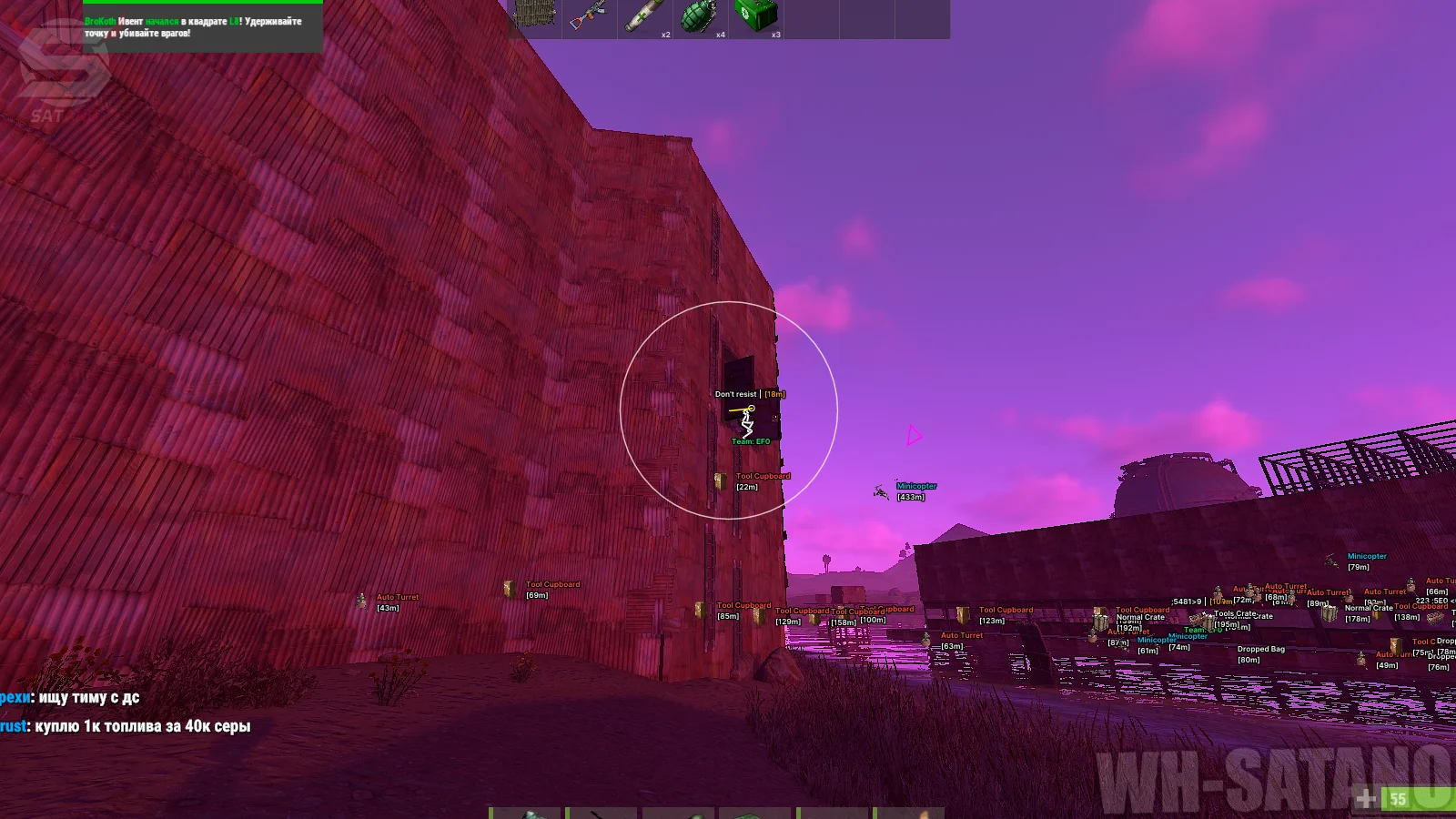
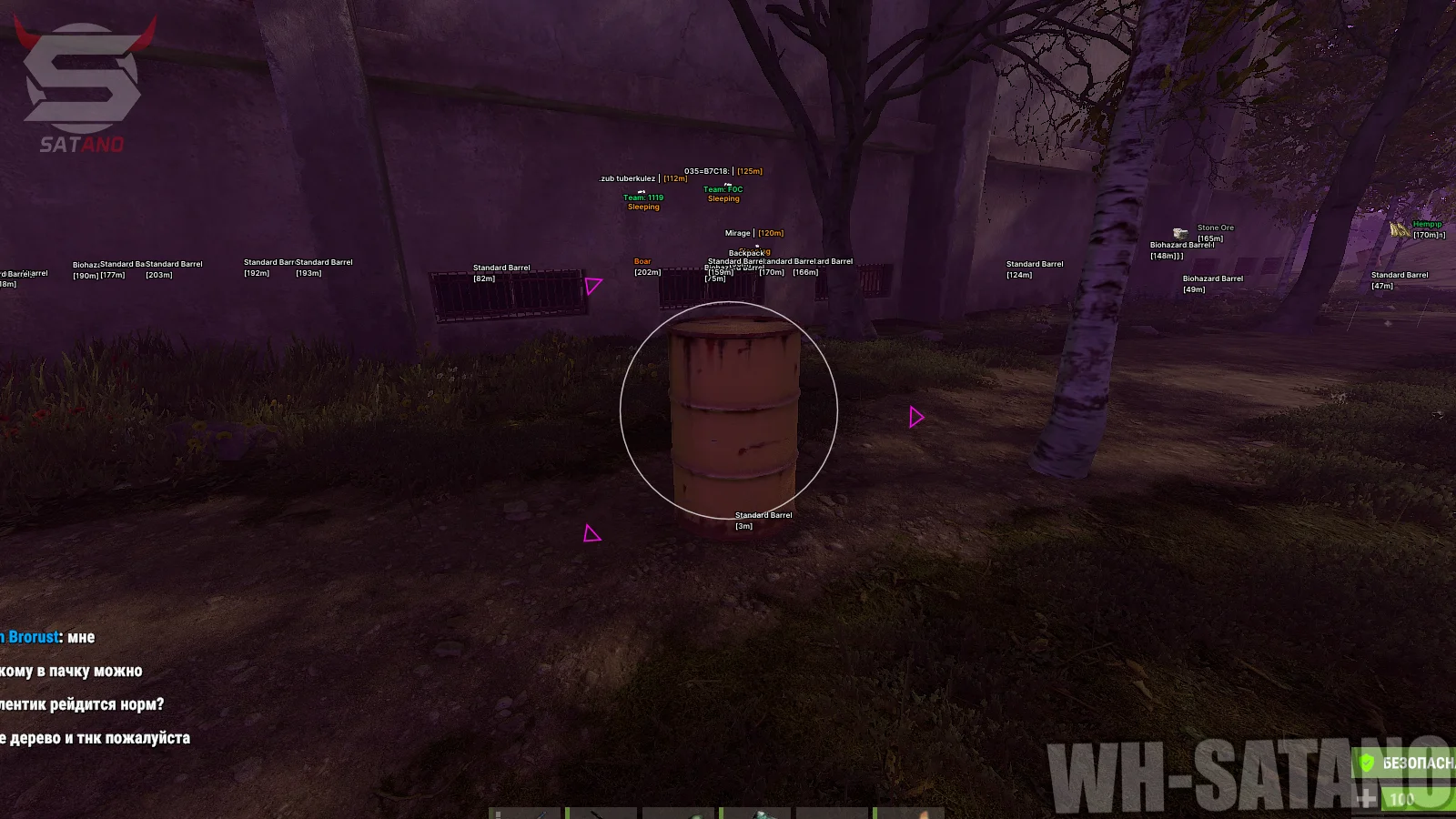
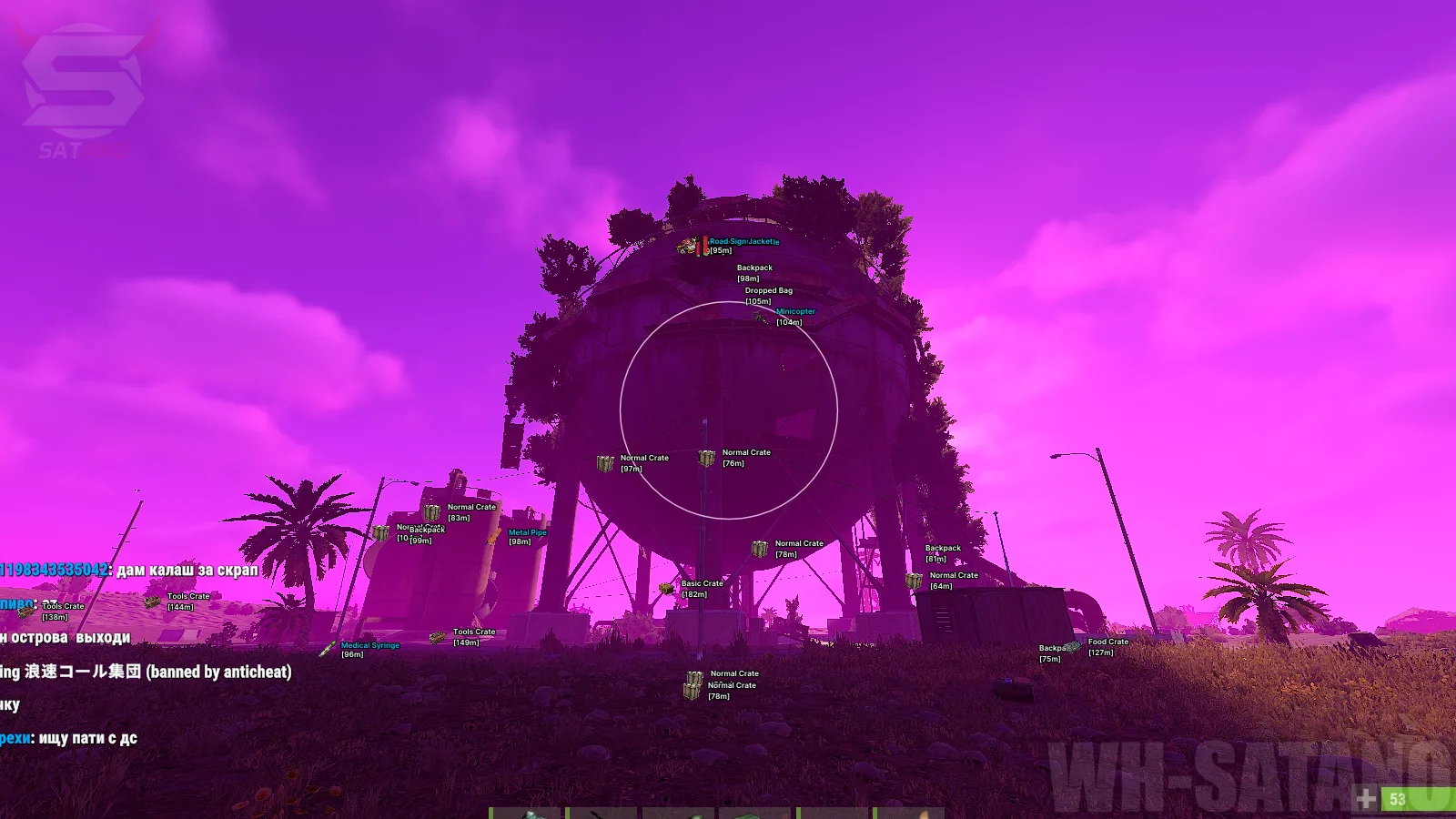
Introducing the powerful and effective KRUSH Internal mod menu for Rust, created for players who value extensive features and flexible customization of every function. One of the product's main advantages is the presence of two aimbot modes at once: Memory Aim for more natural and smooth aiming, and Silent Aim for a rage playstyle. FOV, target priority, body parts, smoothness, movement prediction, and other parameters can all be configured. Special attention should be given to the detailed ESP (Wallhack) system. Each section is separated individually: players, NPCs and animals, loot containers, ground items, vehicles, resources, and plants. You choose the categories you need, the display distance, and the appearance of the information yourself. Especially useful are player hotbar and equipment display, Raid ESP for building objects, as well as flexible loot and resource filters. The functionality is further complemented by customizable recoil control, Bright Night, sky color changes, OOF Arrows, Battle Mode, Panic Key, and a configuration system. KRUSH Rust — is a universal solution with powerful functionality, well-organized ESP, and the ability to fully customize the mod menu to match your playstyle.
System Requirements
- Operating system: Windows 10, Windows 11 (21H2, 22H2, 23H2, 24H2, 25H2)
- Processor: Intel & AMD
- Video card: Nvidia & AMD
- Client: Steam
Aimbot (Memory & Silent Aim)
- Aim Enabled – enables the selected auto-aim mode
- Aim Key – key used to activate the aimbot (hold)
- Aim Mode – allows you to select the aimbot mode (Vector or Silent Aim)
- Silent Aimbot – automatically directs bullets at the target without changing the position of your crosshair on the screen
- Memory Aimbot – a more natural-looking aim at the target without delay
- Aim Target Mode – allows you to choose the target selection priority (closest to crosshair, closest by distance)
- Aim Bone – body part the aim will target (head, neck, chest, legs, feet)
- Aim FOV – radius of the area around the crosshair where targets will be acquired
- Aim Smoothness – adjusts the smoothness of aiming at the selected target
- Aim Only Visible – limits the feature to targets that are visible only (not behind cover/walls)
- Aim Prediction – predicts target movement for more accurate aiming
- Aim Show FOV – displays the aimbot's active area on the screen
- Aim Show Line – displays a line to visually show the aimbot's direction
- Silent Aim Hit Rate – chance of a successful hit for Silent Aimbot
Players ESP (WH)
- Enabled – enables ESP for players
- Hide Teammates – ignore ESP on teammates
- Name – displays the player's nickname
- Distance – shows the distance to the player
- Team – displays information about the player's team
- Held Item – shows the item in the player's hands
- Max Distance – maximum distance at which player ESP will be displayed
- Text Outline – adds an outline to text information for better readability
- Text Position – allows you to choose the position of text information relative to the player (top, bottom)
- Visible Check – highlights players in line of sight and behind walls with different colors
- Hide Sleepers – do not show sleeping players
- Skeleton – displays the player's skeleton
- Skeleton Thickness – adjust the thickness of skeleton lines
- Head – separately highlights the player's head
- Box – displays a frame/box around the player's model
- Box Type – allows you to choose the type of box display (2D, 3D)
- Box Thickness – allows you to adjust the thickness of box lines
- Snapline – displays lines from the screen to the player
- View Direction – shows the direction the player is looking or moving
- Hotbar Items – displays the items in the player's quick access bar (hotbar)
- Hotbar Armor – displays information about the player's equipped armor
- Hotbar Scale – allows you to adjust the hotbar display scale
NPC ESP (Bots, Animals)
- Enabled – enables ESP for scientists, patrols, animals, and other non-player characters
- Name – displays the name or type of NPC
- Distance – shows the distance to the NPC
- Max Distance – maximum distance at which NPCs will be displayed through ESP
- Text Outline – adds an outline to text information for better readability
- Filter – allows you to choose which types of NPCs to display
- Scientist – scientists
- Tunnel Dweller – tunnel dwellers
- Underwater Dweller – underwater dwellers
- Bandit Guard – guards at the Bandit Camp
- Bear – bears
- Boar – boars
- Stag – deer
- Chicken – chickens
- Zombie – zombies
- Scarecrow – scarecrows
- Horse – horses
- Skeleton – displays the NPC skeleton
- Skeleton Thickness – allows you to adjust the thickness of skeleton lines
- Head – additionally highlights the NPC's head
- Box – displays a box around the NPC model
- BoxType – allows you to choose the type of box display (2D, 3D)
- Box Thickness – allows you to adjust the thickness of box lines
- Snapline – displays a line leading to the NPC
- View Direction – shows the direction the NPC is looking or moving
Loot ESP (Containers)
- Loot Enabled – ESP for various lootable objects
- Loot Name – displays the name of the object or container
- Loot Distance – distance to the loot object
- Loot Max Distance – adjust the maximum display distance for Loot ESP
- Loot Text Outline – adds an outline to name text for better readability
- Loot Filter – allows you to choose object types to display
- Standard Barrel – standard barrels
- Biohazard Barrel – biohazard barrels
- Oil Barrel – oil barrels
- Basic Crate – basic crates
- Mine Crate – crates in mines
- Elite Crate – rare and valuable crates
- Food Crate – food containers
- Medical Crate – medical crates
- Hackable Crate – hackable containers
- Airdrop – airdrops
- Dropped Bag – bags with dropped items
- Backpack – backpacks
Dropped Loot ESP (Items)
- Dropped Enabled - enables ESP for dropped items lying on the ground
- Dropped Name - displays the item name
- Dropped Amount - shows the number of items in the stack
- Dropped Condition - displays the item's condition or durability
- Vertical Bar - vertical bar
- Horizontal Bar - horizontal bar
- Text - durability/condition as a number
- Dropped Icon - shows the item icon
- Dropped Distance - displays the distance to the dropped item
- Dropped Max Distance - adjust the maximum display distance for Dropped Loot ESP
- Dropped Text Outline - text outline for more convenient display
- Dropped Category Filter - allows you to choose specific item categories
- Weapons - weapons
- Ammo - ammunition
- Resources - resources
- Attire - clothing and equipment items
- Tools - tools
- Medical - medical items
- Food - food
- Building - building items
- Favourite - favorite items
- Fun - decorative and entertainment items
- Other - other items
World ESP (Objects, Resources)
- Vehicle Enabled - enables ESP for vehicles
- Vehicle Name - displays the vehicle name
- Vehicle Distance - shows the distance to the vehicle
- Vehicle Max Distance - allows you to adjust the maximum vehicle display distance
- Vehicle Text Outline - adds an outline to text for more convenient display on different backgrounds
- Ore Enabled - enables ESP for ore resources
- Ore Name - displays the name of the found ore
- Ore Distance - shows the distance to the ore
- Ore Max Distance - allows you to adjust the maximum display distance for ore resources
- Ore Text Outline - adds an outline to text for better readability
- Ore Filter - allows you to choose specific ore types to display:
- Stone Ore - stone ore
- Metal Ore - metal ore
- Sulfur Ore - sulfur ore
- Plant Enabled - enables ESP for plants and natural resources
- Plant Name - displays the plant name
- Plant Distance - shows the distance to the plant
- Plant Max Distance - allows you to adjust the maximum display distance for plants
- Plant Text Outline - adds an outline to text for more convenient display
- Plant Filter - allows you to choose plants and farming resources to display:
- Hemp - hemp
- Mushroom - mushroom
- Pumpkin - pumpkin
- Corn - corn
- Potato - potato
- Berry - berries
Other KRUSH Rust Features
- Raid ESP – shows objects and entities related to player buildings (tool cupboards, workbenches, traps, etc.)
- No Recoil – customizable weapon recoil control
- Bright Night – makes the night bright
- Sky Color – changes the color of the sky
- ESP Background – enables background fill for ESP elements
- ESP Background Opacity – allows you to adjust the transparency level of the background fill
- ESP Background Categories – ESP categories for background fill
- OOF Arrows – arrows indicating the direction of players/targets outside the screen
- Battle-Mode – special mode to turn selected ESP categories on/off with a button press while CombatMode is active
- Menu Key – allows you to assign a key to open and control the mod menu
- Panic Key – allows you to quickly activate an emergency mode to hide the mod menu from the game
- New Config – field for entering the name of a new configuration
- Create – creates a new configuration with the specified name
- Save – saves the current mod menu settings to the active configuration
- Reset to Defaults – resets the mod menu settings to their default values
- Load – loads the selected configuration
- Delete – deletes the selected configuration
- Stream-Proof – the cheat and its elements are invisible when capturing the game window through OBS, Discord, etc.
- Multi-Language Support – adds support for English, Russian, Chinese, and Japanese.
Similar Products
Ancient Rust Hack
- Powerful Aimbot with lots of settings (Silent / Rage)
- ESP (WH), Loot, Radar, Chams (Many Styles)
- Debug Camera, Time Changer and Other Rust Exploits
Stealth Rust Full
- Wallhack for displaying Players, NPCs, and Animals
- Powerful Silent Aimbot for killing opponents
- Loot ESP, World ESP, and additional exploits
Stealth Rust Lite
- Wallhack in the form of bright white chams
- Ability to hide nearby constructions
- Legit cheat for Rust
Pussycat Rust
- External Hack for Rust with Flexible Aimbot
- Powerful ESP (Wallhack) for Players, Resources and Objects
- Spiderman, Bright Night/Day, No fall damage, 2D Radar, etc.