Mason Software for WARDOGS (External)
Information about cheat
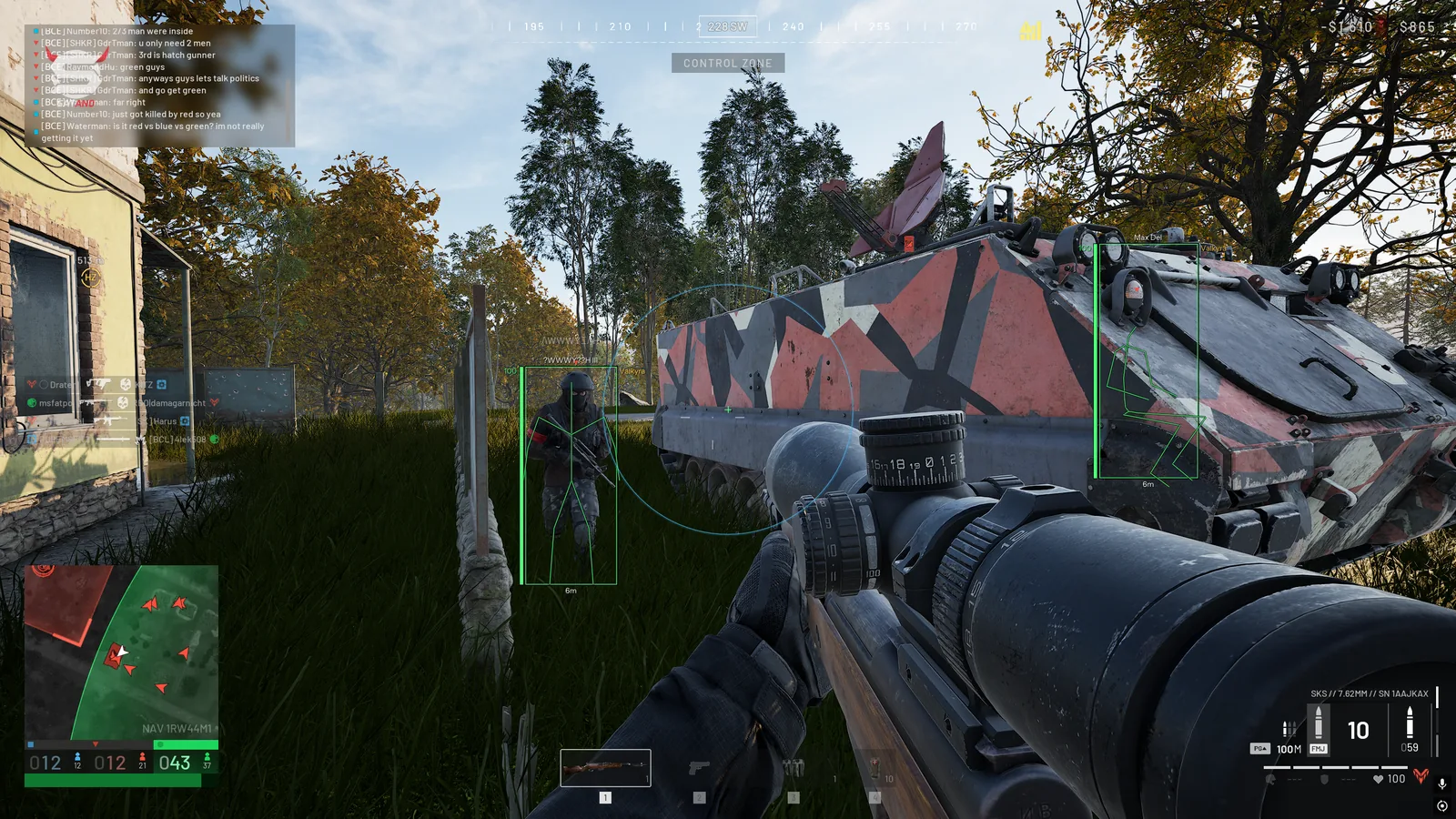
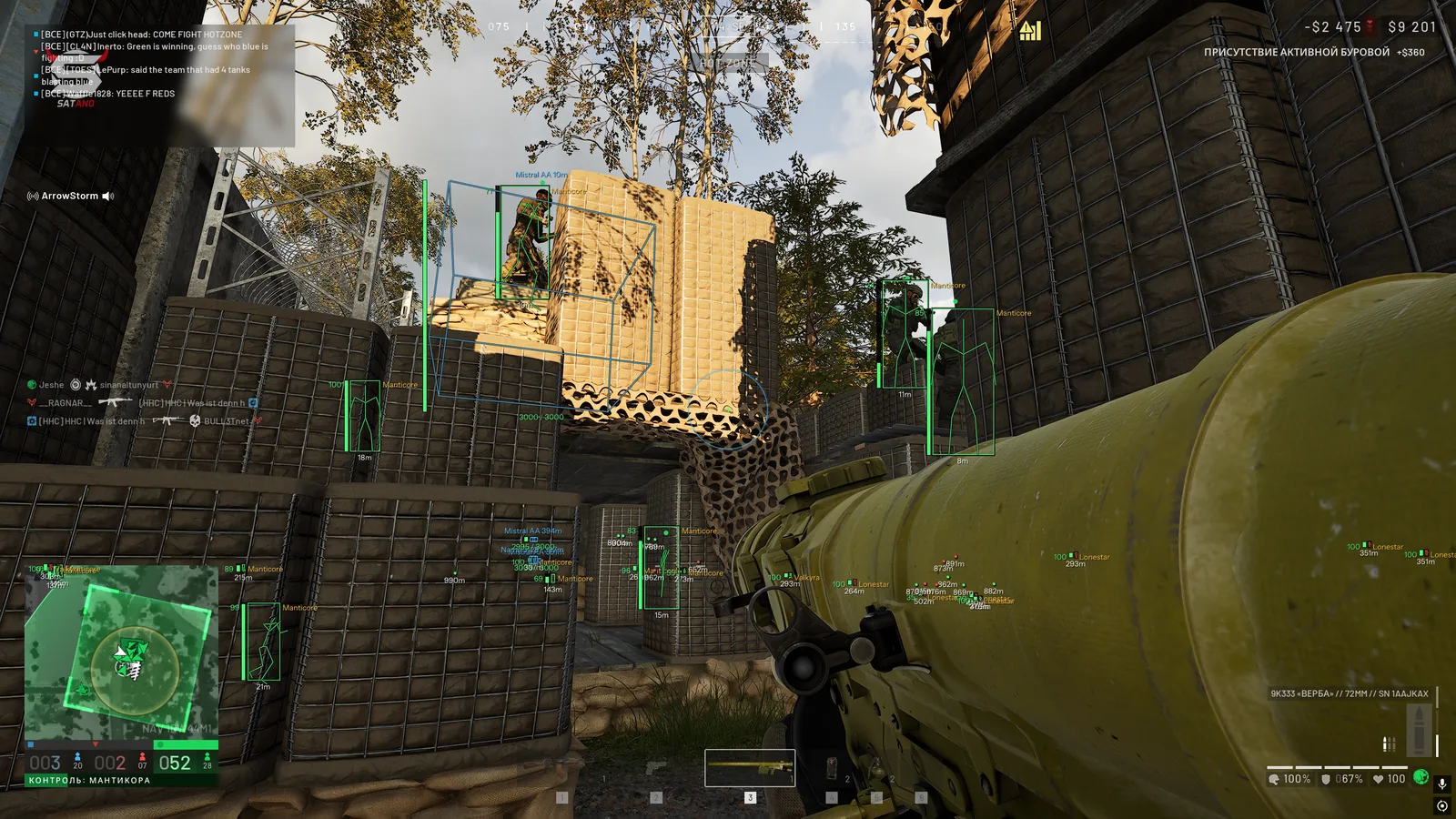
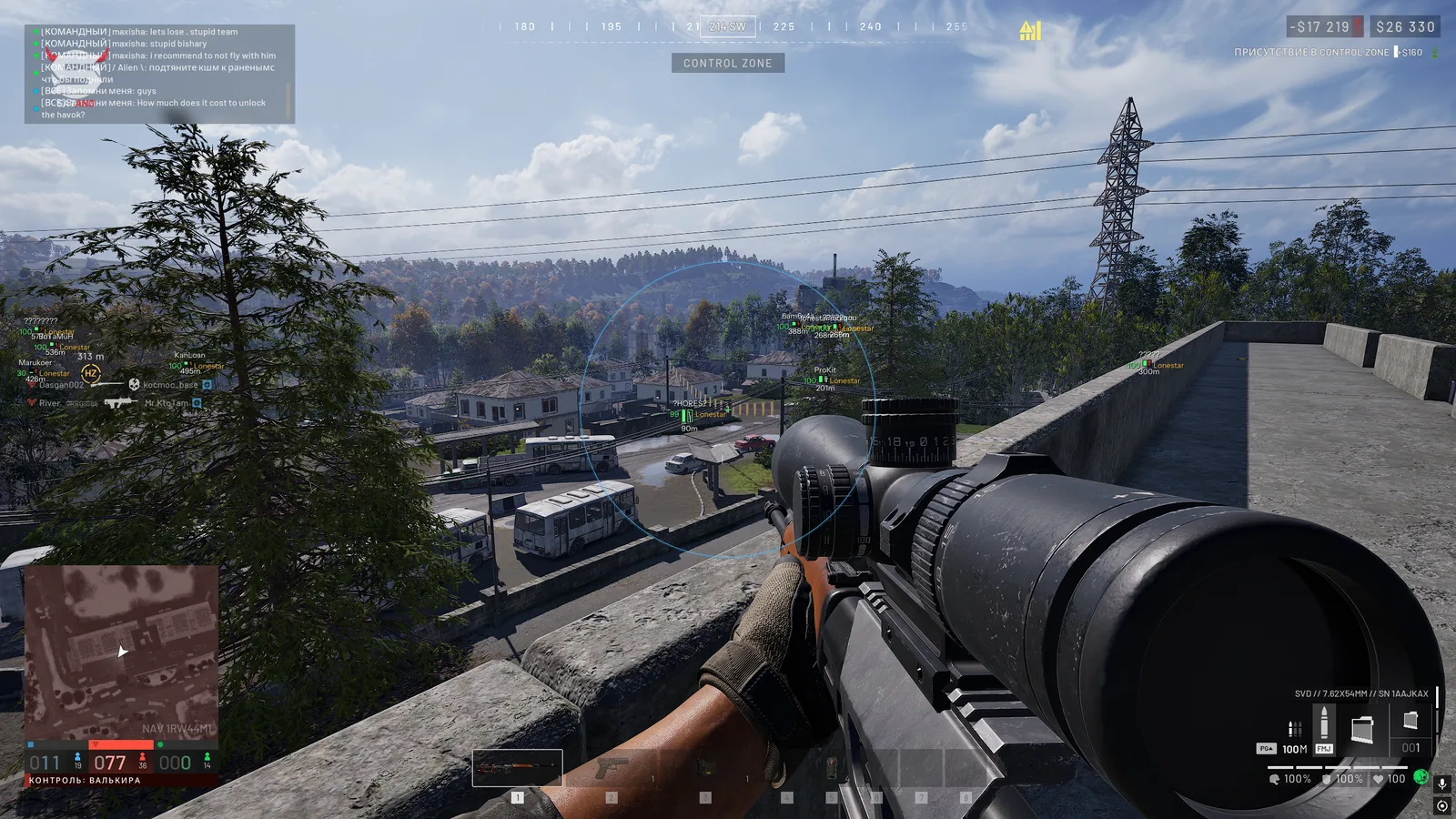
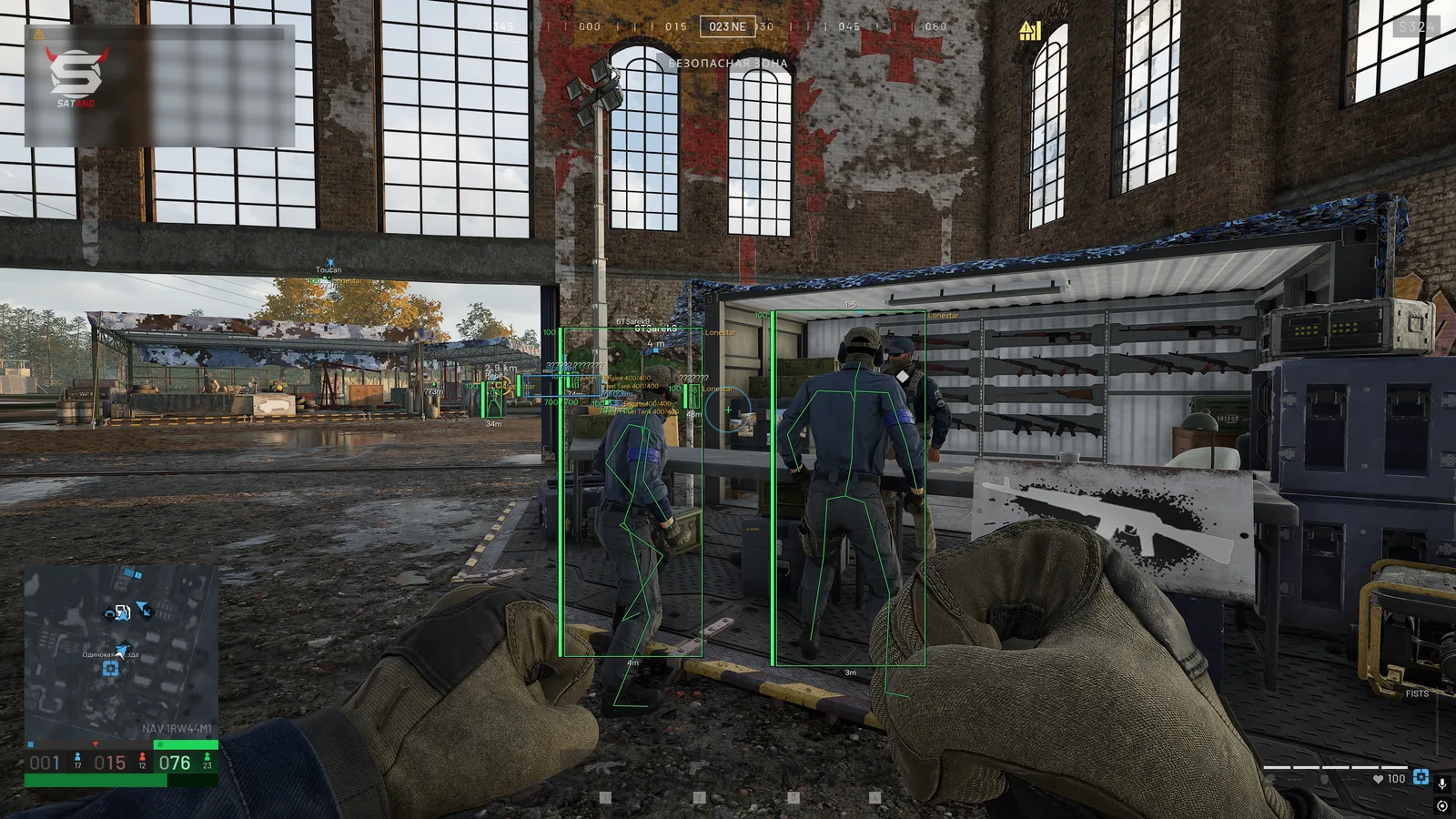
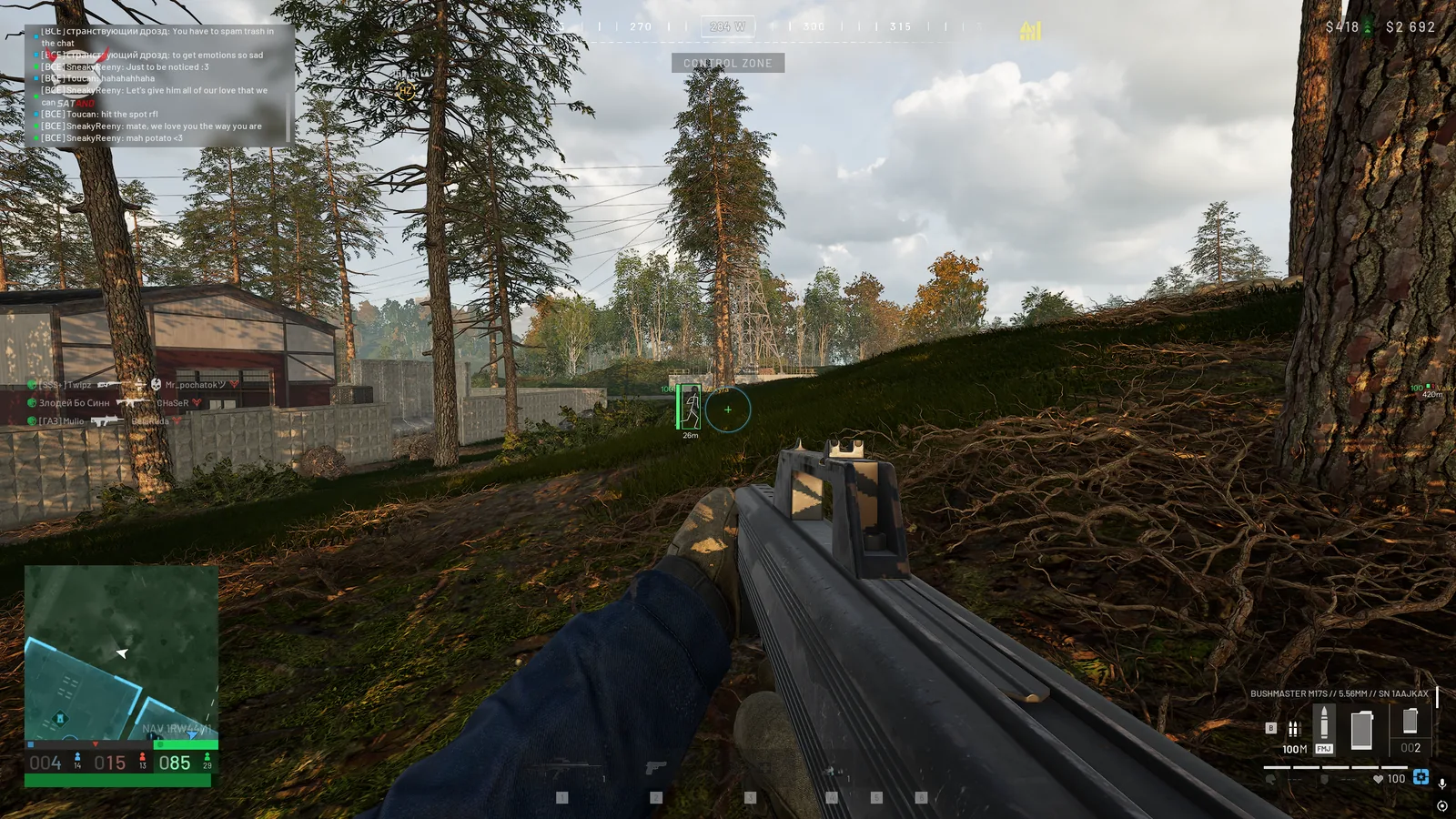
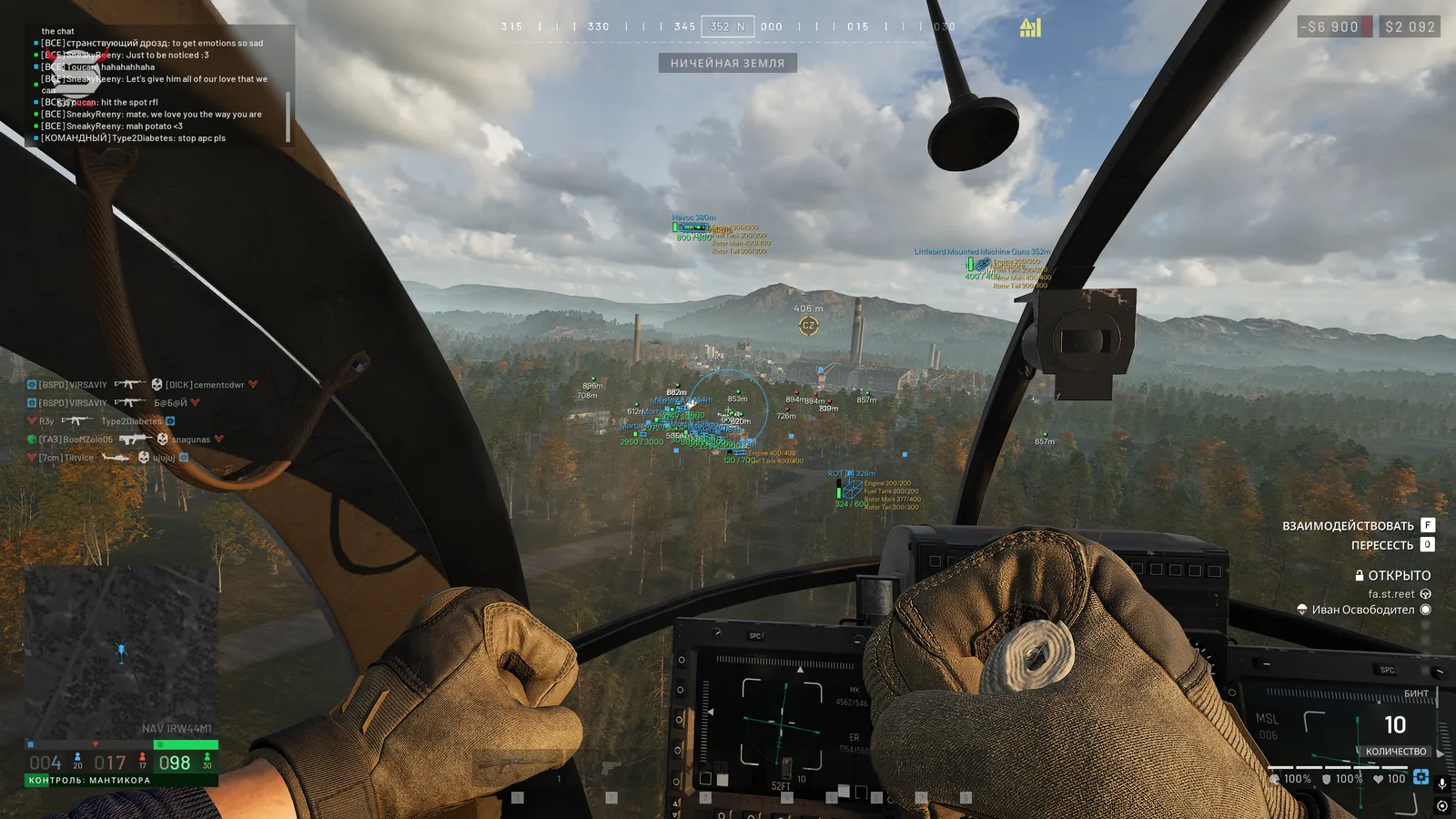
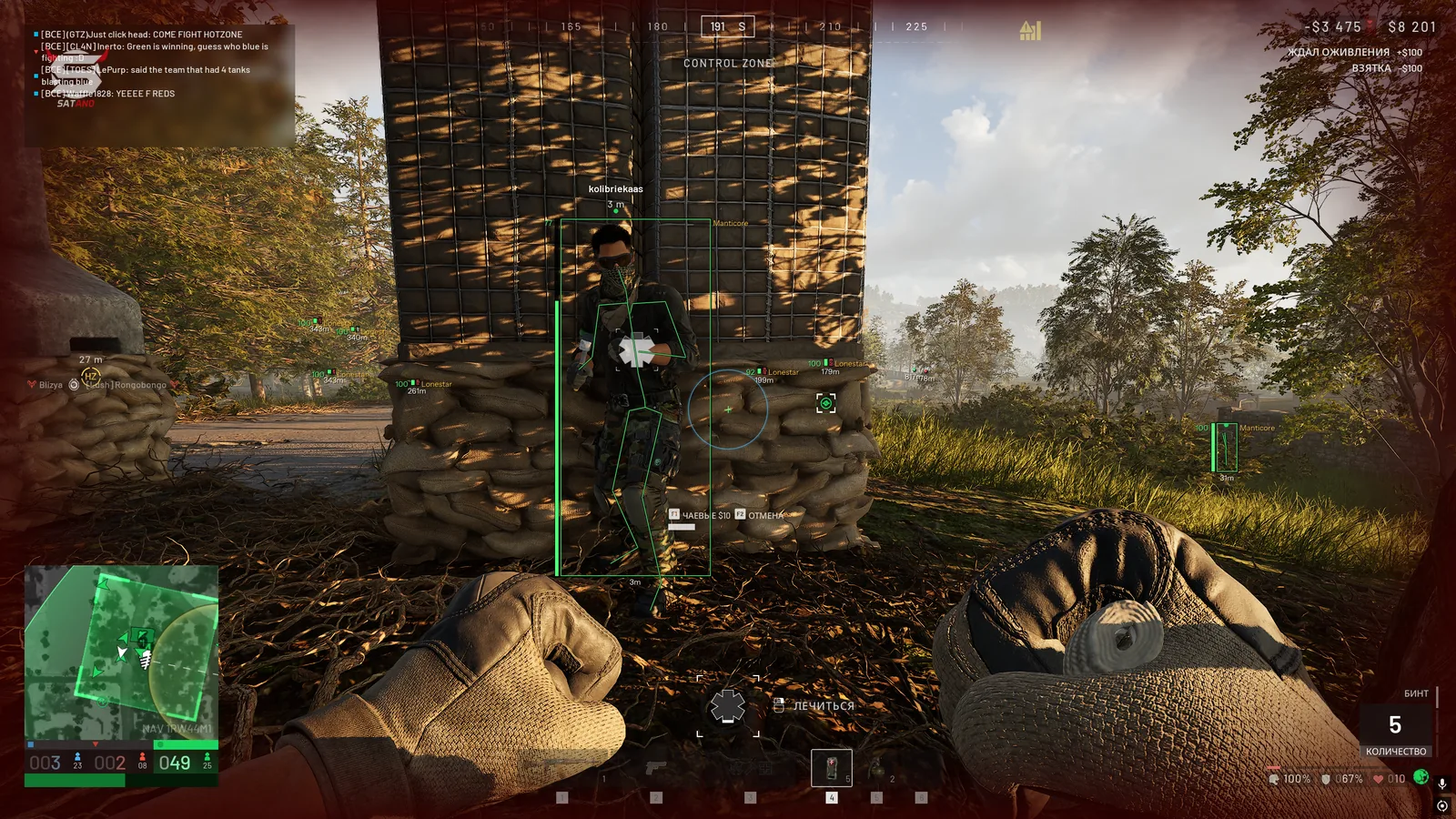
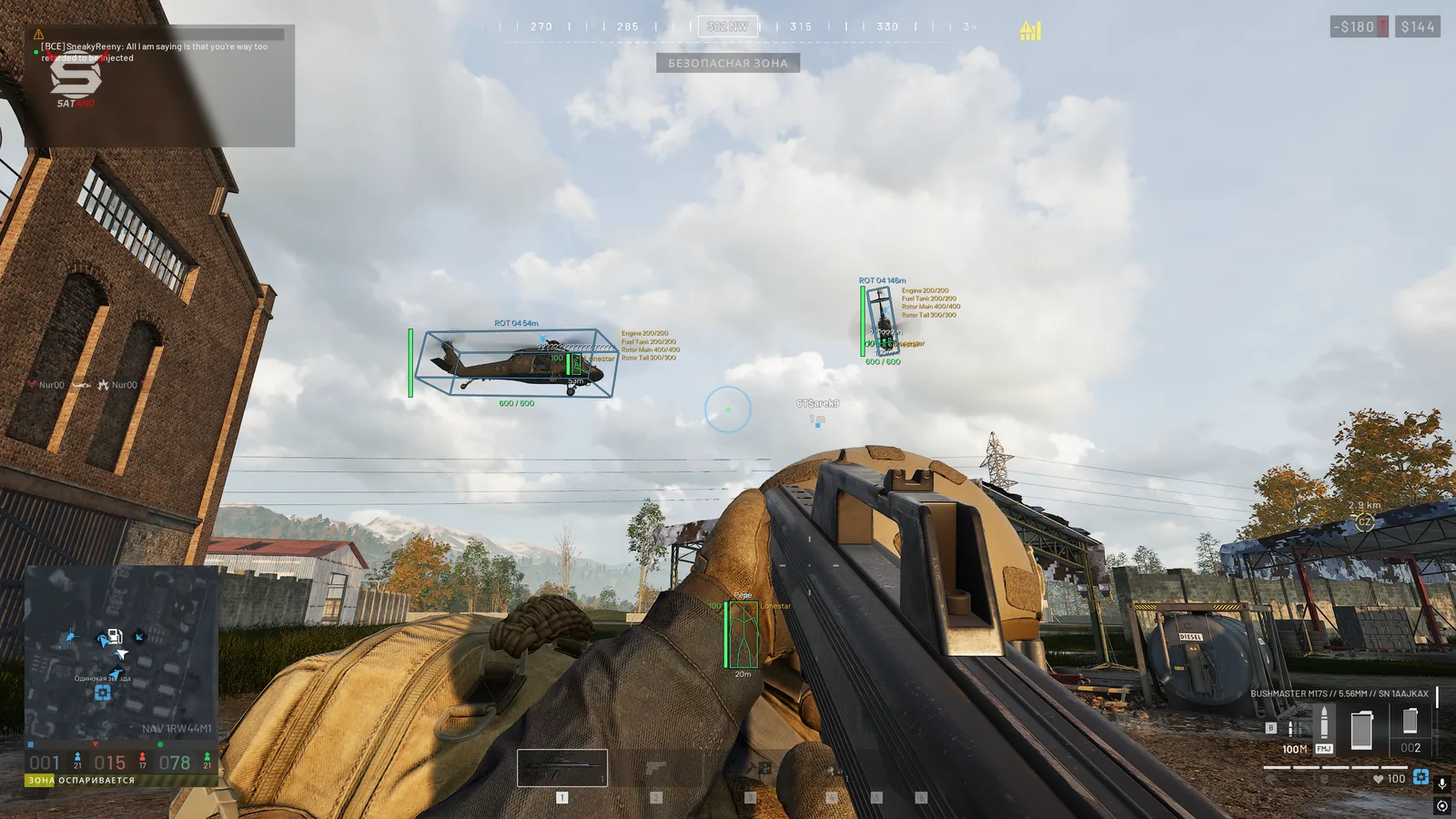
Mason for WARDOGS — a practical solution for those who prefer essential in-game functionality without an overloaded menu and dozens of extra features. The software offers a basic aimbot with a humanizer, allowing you to flexibly configure aiming behavior to match a human playstyle. The visual ESP module displays players and vehicles with additional information, helping you navigate the battlefield more effectively. In addition to the core features, useful extras are included: No Recoil to disable weapon recoil, No Sway to eliminate weapon sway, and Free Camera for unrestricted camera flight. All features are gathered in a full menu with tab-based sections, making navigation and setup easier. Mason combines a concise feature set, stable performance, and additional anti-ban protection mechanisms, remaining a convenient option for those who do not need excessive functionality.
System Requirements
- Operating system: Windows 10, Windows 11 (23H2, 24H2, 25H2, 26H1)
- Processor: Intel & AMD
- Video card: AMD & NVIDIA
- Client: Steam
Aimbot (Aim Bot)
- Enabled – enables automatic aiming at enemies
- Vector Aimbot – smooth or sharp aiming at the target with mouse movement
- Silent Aimbot – the aimbot works by targeting enemies within the FOV area, but the crosshair itself does not visually move
- Aim Key – aimbot activation key
- Aim Key 2 – additional aim activation key
- FOV – size of the target acquisition zone for the aimbot
- Show FOV – shows the aimbot radius as a circle
- Smooth – smoothness of crosshair movement toward the target
- Hitbox – selection of the body area to aim at (head, neck, closest to the crosshair)
- Humanize – simulates natural crosshair movement (smoother and less sharp aiming)
- Visible Check – aim only at visible enemies (in line of sight, not behind walls)
WH (Players ESP)
- Box – displays a box around the player model
- Skeleton – displays the player's skeleton over their model
- Health – displays the player's current health level
- Player Name – displays player nicknames
- Faction – shows the player's affiliation with a specific faction
- Weapon – shows the weapon in players' hands
- Show Allies – enables ally display
- Max Distance – sets the maximum player render distance
- Visible Check – visible/invisible players in line of sight are highlighted in different colors
World ESP (Environment)
- Vehicles – displays vehicles on the map
- Vehicle Box – displays a 3D box around vehicles
- Vehicle HP – displays the vehicle's total durability
- Module Names – displays vehicle module names and information about their current durability
- Ground Items – displays items on the ground
- Max Distance – maximum object render distance
Other Mason WARDOGS Features
- Crosshair – additional crosshair on the screen
- No Recoil – disables weapon recoil when firing
- No Sway – disables weapon sway while aiming
- Freecamera – activates a free camera to inspect the game environment
Similar Products
Phoenix WARDOGS
- Advanced Aimbot: Silent Aim, ballistic calculation, and instant target elimination
- Artillery Calculator: automatic aiming for howitzers, mortars, and tanks via the map
- Full Map Control: detailed ESP, Chams, radar, and threat detector (mines, missiles, shelling)
Arcane WARDOGS
- Vector Aimbot with Humanizer and Prediction
- Convenient ESP (Wallhack) for players, loot, and vehicles
- No Recoil, No Spread, and No Sway
Ancient WARDOGS
- Vector Aimbot with Prediction, No Recoil, and Infinity Focus
- Players ESP, Vehicle ESP (WH) with detailed parameter customization
- Convenient menu with tab separation
Unnamed Wardogs Full
- Flexible Aimbot with FOV, Smooth, Speed, Stickiness & target priority settings
- ESP + Wallhack for Players, Claymores, Mines, Ammo, Supplies & other items
- No Recoil, FOV Changer, config system and other