Unicore Software for Seven Deadly Sins Origin (TSDSO)

Information about cheat
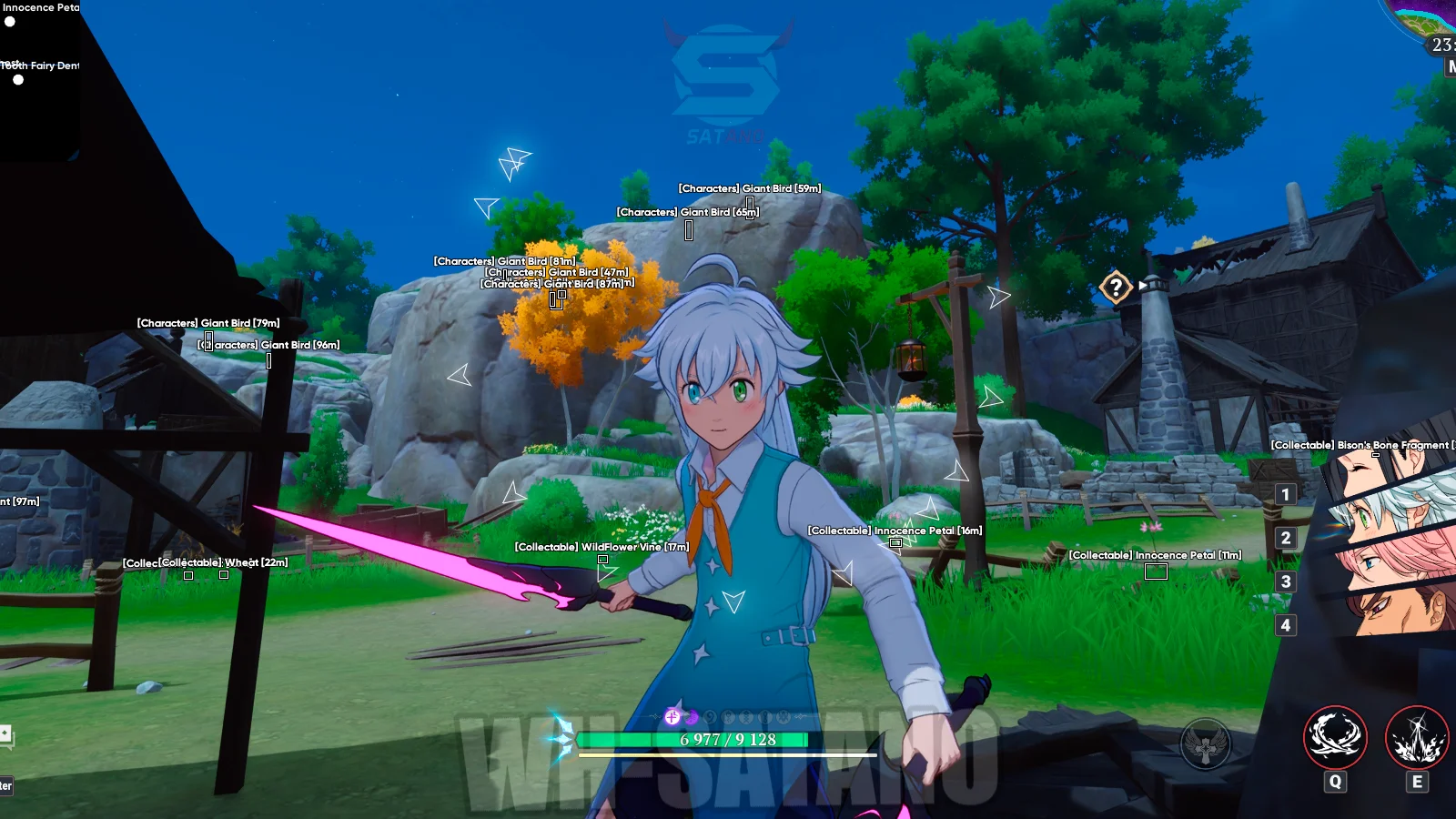
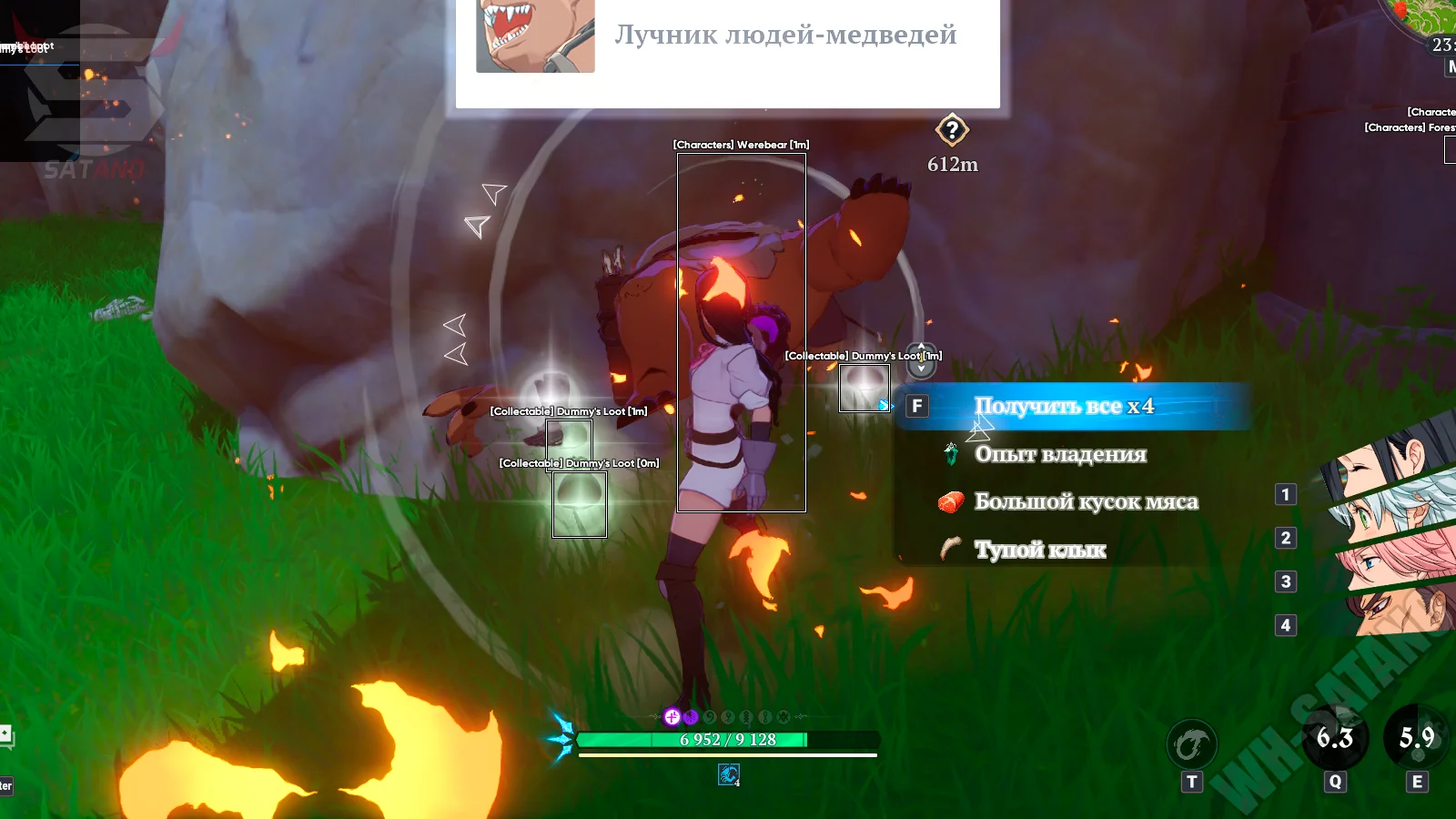
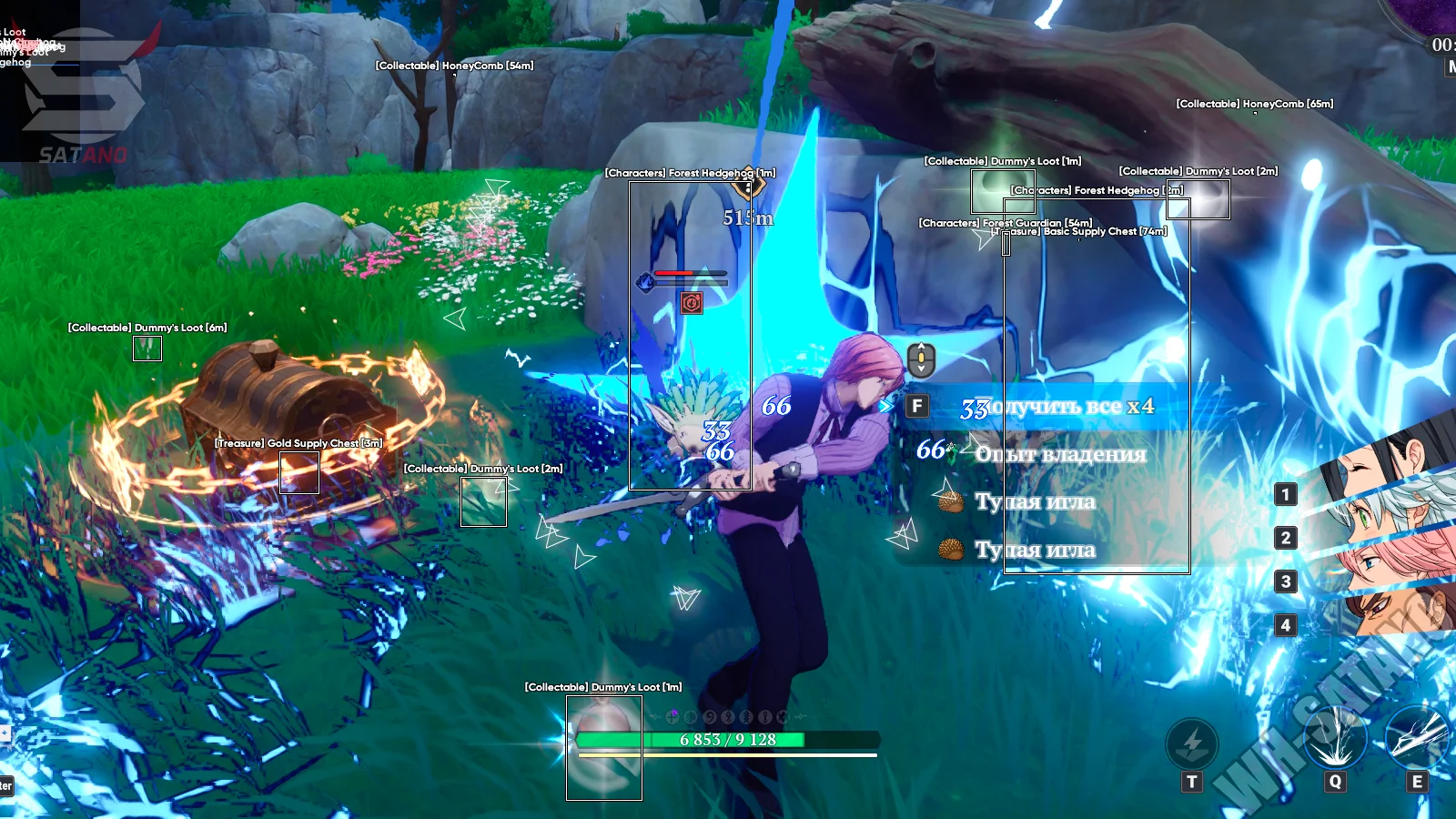
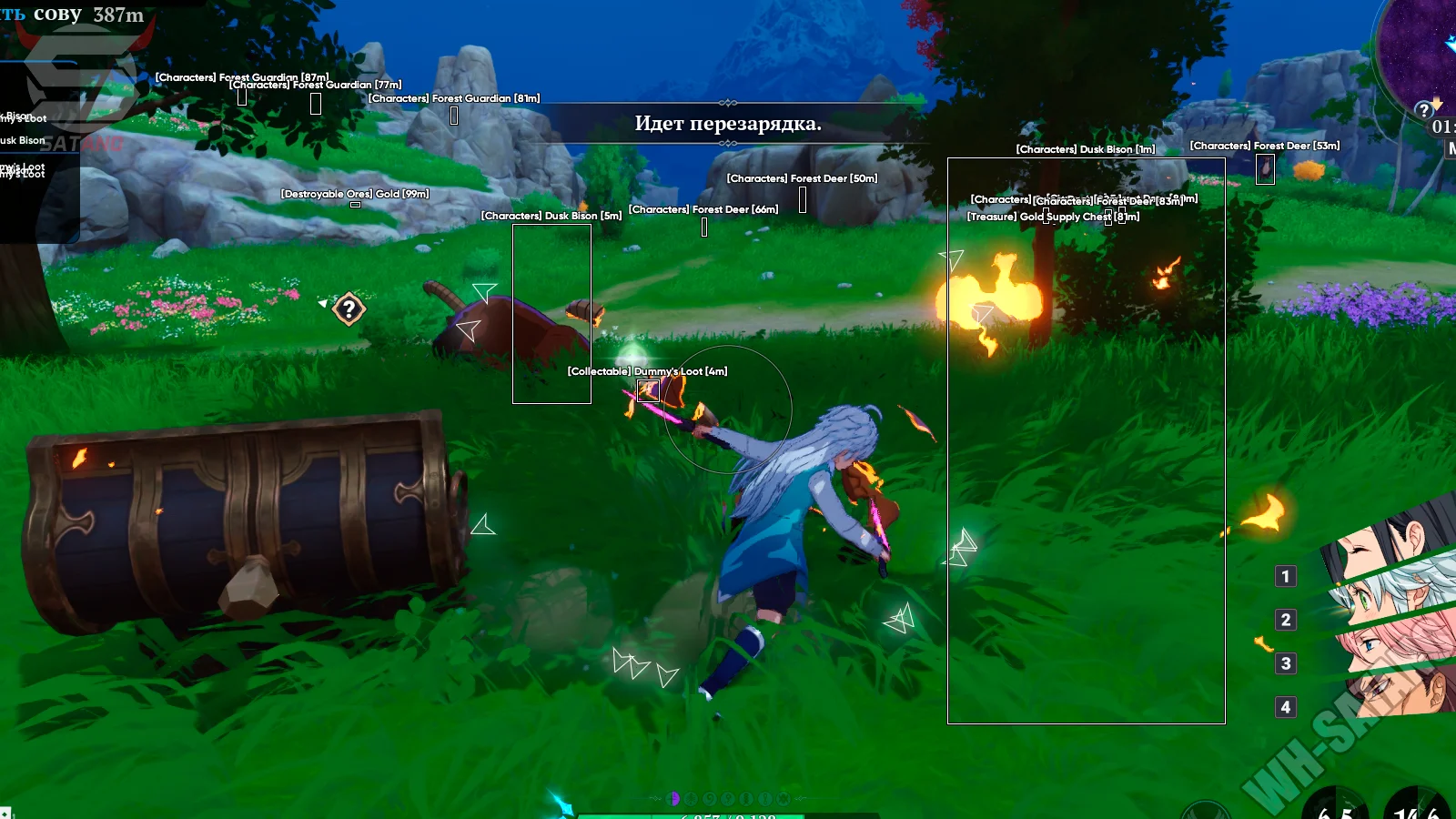
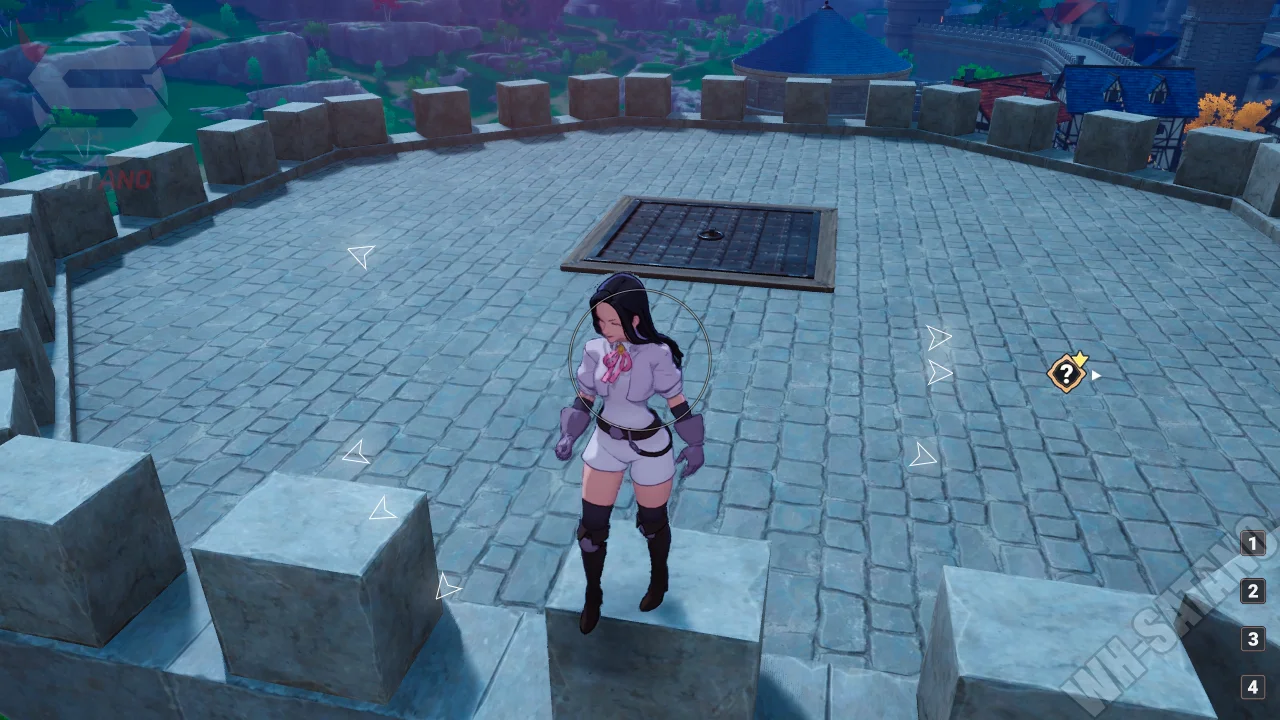
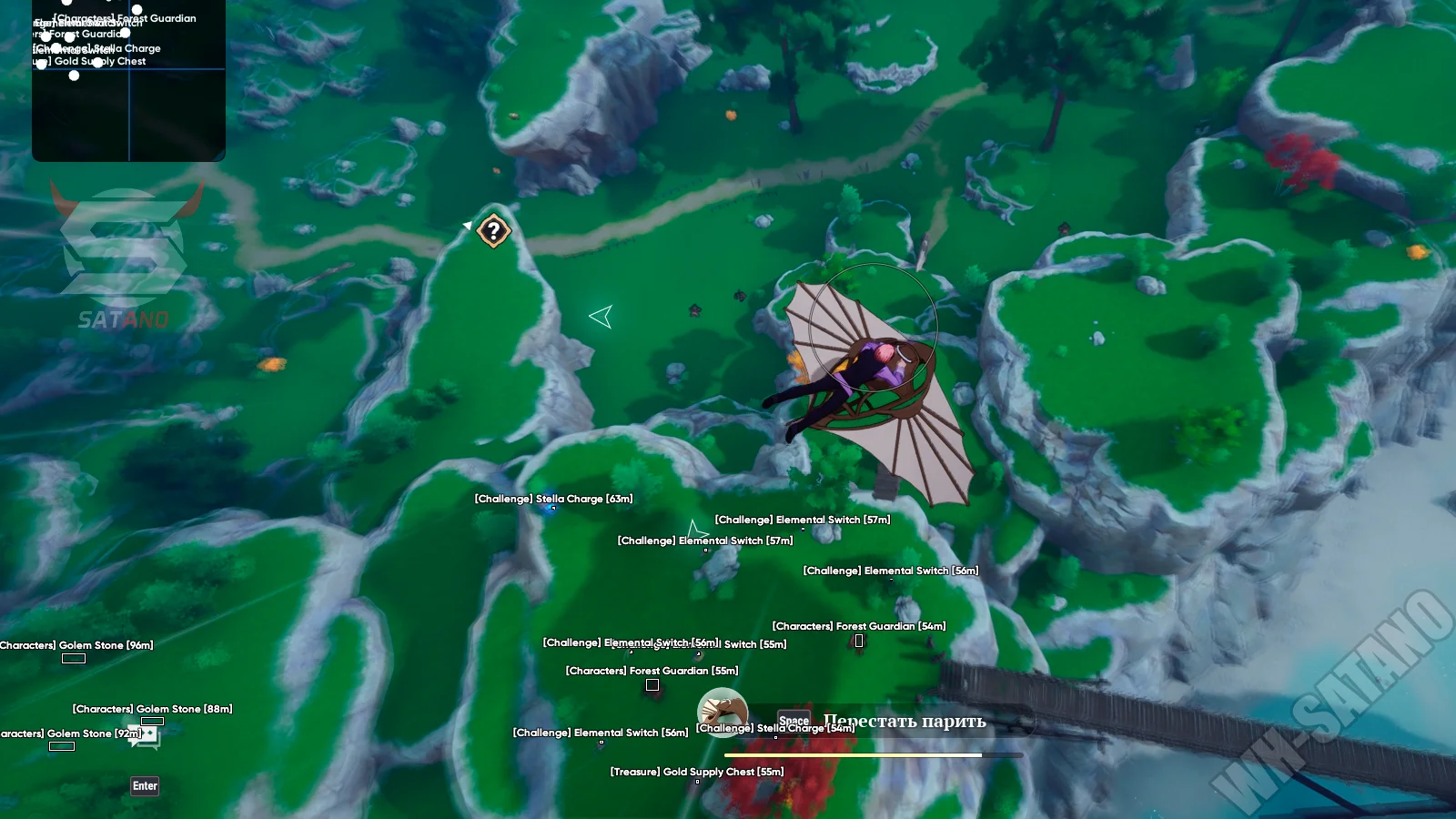
Unicore for The Seven Deadly Sins: Origin — a powerful private mod menu from a well‑known developer, created for comfortable world exploration, faster progression, and maximum environmental awareness. The solution follows Unicore’s signature style, combining a user‑friendly interface with a wide range of capabilities. The built‑in ESP helps locate collectibles, treasures, resources, NPCs, challenges, and other important objects. For convenience, it includes filters, distance display, off‑screen indicators, and an integrated radar. The advanced teleport system supports click‑to‑move teleportation, teleport to quests, map markers, in‑game objects, and custom points. To speed up farming, it features automatic resource and loot collection with flexible category settings. The combat section provides enemy magnetization and activity reduction options. Additional features include Noclip, Free Camera, game speed modification, FOV Changer, Fullbright, camera customization, a built‑in crosshair, and a console command system.
System Requirements
- Operating system: Windows 10, Windows 11 (21H2, 22H2, 23H2, 24H2, 25H2)
- Processor: Intel & AMD
- Video card: Nvidia & AMD
- Client: Steam, Gamelauncher (Netmarble)
Visuals (Wallhack)
- Enabled – enables the ESP object display system
- Show Offscreen – shows indicators for objects outside the screen as arrows
- Max Distance – sets the maximum distance for displaying objects via ESP
- Box – displays a box around selected objects
- Name – shows the object's name
- Distance – displays the distance to the object
- Builder ESP – a separate menu for displaying additional objects
- Radar – enables the built-in radar to display selected objects around the player (customizable)
- Filters – allows selecting specific categories of objects to display
- Collectable – displays collectible items and gatherable objects
- Treasure – shows chests, stashes, and other treasures
- Destroyable Ores – displays destructible ore deposits and resource nodes
- Characters – shows characters and important NPCs
- Challenge – displays objects and points related to challenges and activities
- Teleport – displays points and objects related to the teleportation and fast travel system
- Other Item – shows other miscellaneous items
Combat
- Dumb Enemies – makes enemies passive and greatly reduces their ability to react to the player's actions
- Magnetizer – pulls selected enemies into a specified area
- Type – the type of targets affected by magnetization
- Max Distance – sets the maximum distance for searching magnetization targets
- Distance – the distance at which enemies will be held relative to the selected point (customizable)
- FOV Value – sets the radius of the target search area for the magnet
- Draw FOV – displays the magnet’s area of effect on the screen
Auto Loot
- Auto Loot – automatically picks up selected items and objects nearby without requiring manual interaction
- Visible Only – collects only objects that are in the character’s direct line of sight
- Max Distance – sets the maximum distance for automatic item pickup (customizable)
- Filters – allows selecting only specific categories/items for auto‑loot
- Collectable – automatic pickup of collectible items
- Treasure – automatic pickup of chests, treasures, and valuable loot
- Destroyable Ores – automatic collection of resources from destructible ore deposits
- Characters – automatic interaction with marked characters and related objects
- Challenge – automatic loot collection from challenges and events
- Other Item – automatic pickup of other miscellaneous items
- Teleport – automatic collection of items related to teleport points and fast travel
Teleport
- Mouse Teleport – instantly teleports you to the point your cursor is pointing at
- Draw Circle – displays a circle around the cursor for mouse‑click teleportation
- Max Distance – allows adjusting the maximum teleportation distance
- Quest Teleport – instantly teleports the character to the active quest target
- Teleport to Mark – teleports the character to a placed map marker
- Entity Teleport – enables the system for teleporting to game objects
- Target Selection – allows choosing the method for selecting teleportation targets
- Draw Target – displays a marker on the selected target before teleportation
- List – allows selecting specific categories of objects for teleportation (monsters, Oracle Stones, collectibles, viewpoints, stashes, event gifts, etc.)
- Loop Teleport – loops teleportation between selected points (teleport delay and other options can be customized)
- Custom Points – allows creating and saving custom teleport points across the game world
Other Unicore TSDSO Features
- FOV Changer – allows adjusting the camera field of view (customizable)
- Free Camera – enables a free‑movement camera (speed adjustable)
- Camera Zoom – changes the camera zoom distance relative to the character (customizable)
- Game Speed – changes the overall speed of the game process (customizable)
- Local Player Speed – increases your character’s movement speed (customizable)
- Send Console Command – allows executing in‑game console commands directly through the cheat interface
- Crosshair – enables a customizable crosshair overlay (many settings available)
- Resolution Scale – adjusts the rendering scale to improve performance or image quality (customizable)
- Fullbright – removes lighting effects and makes the environment fully bright
- Gamma – allows adjusting the image brightness level (customizable)
- Remove Toon Outline – removes the outline effect from objects and characters
- Noclip – allows free flying through the map and objects
- Noclip Speed – adjusts the flying speed
- Disable Gravity – completely disables gravity for the character
- Character Transparency – adjusts your character’s transparency level
- Menu Key – allows setting a custom key for opening/closing the menu
- Languages – the menu supports multiple languages (English, Russian)
Similar Products
Arcane PYBG Full
- Highly accurate PUBG aimbot with fine tuning
- WH for showing enemies, loot and other objects
- Powerful stream-proof protection and ban protection
Dayz Arcane
- All basic types of hacking: AIM, WH, Loot ESP
- Necessary exploits: No Clip, No Grass, etc.
- Built-in HWID-Spoofer to bypass ban
Medusa Lite
- Menu in 3 languages: Russian, English and Chinese
- Powerful and high-quality Silent Aim
- ESP, Loot and Basic Exploits (Misc)
Mason Hunt Showdown
- Legit‑oriented software without unnecessary features
- ESP (WallHack) for Players, Monsters, Clues and Useful Objects + 2D Radar‑hack
- Convenient menu in two languages (EN, CN), config system, etc.