Mason Internal Software for Rust

Information about cheat
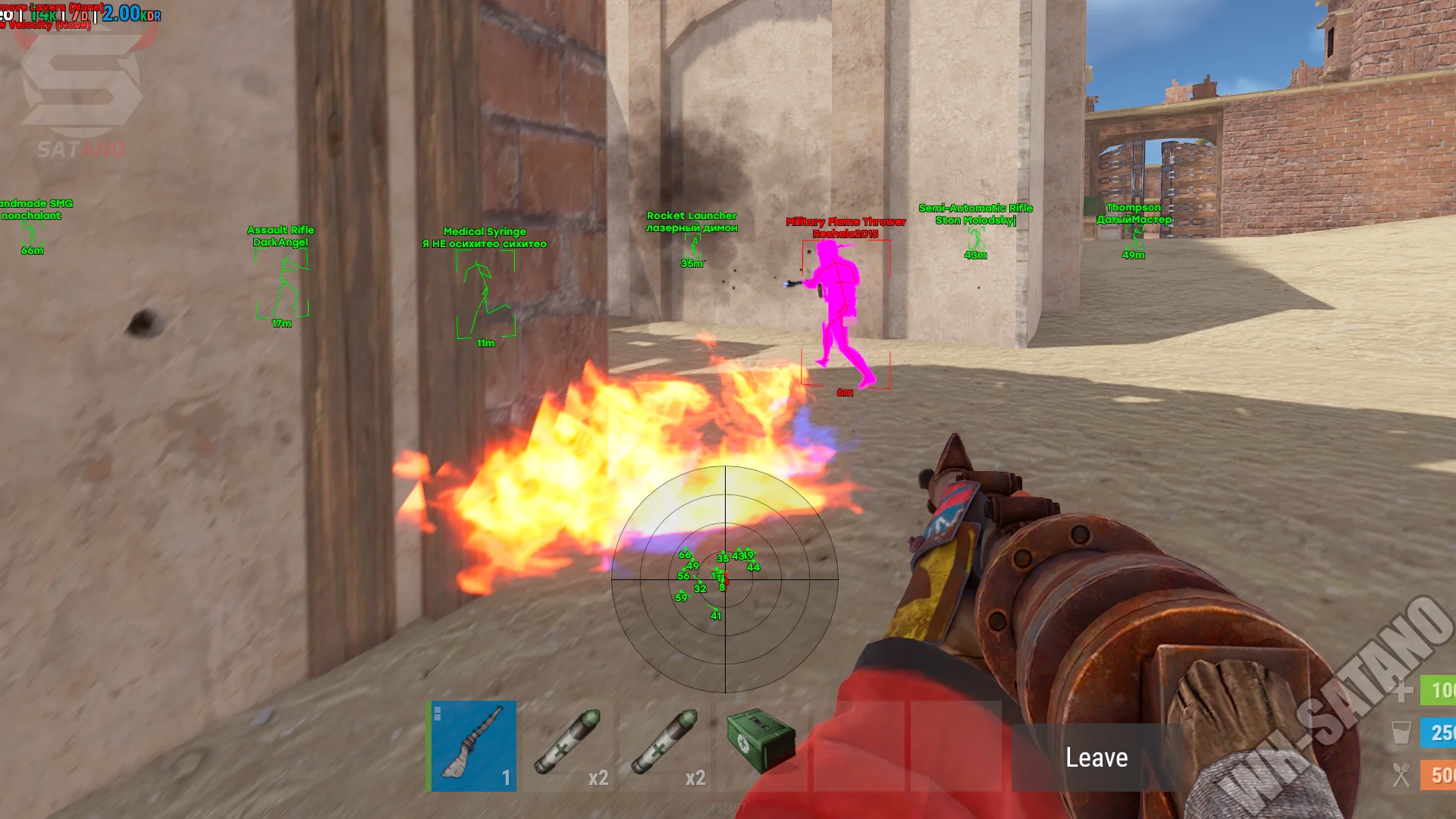
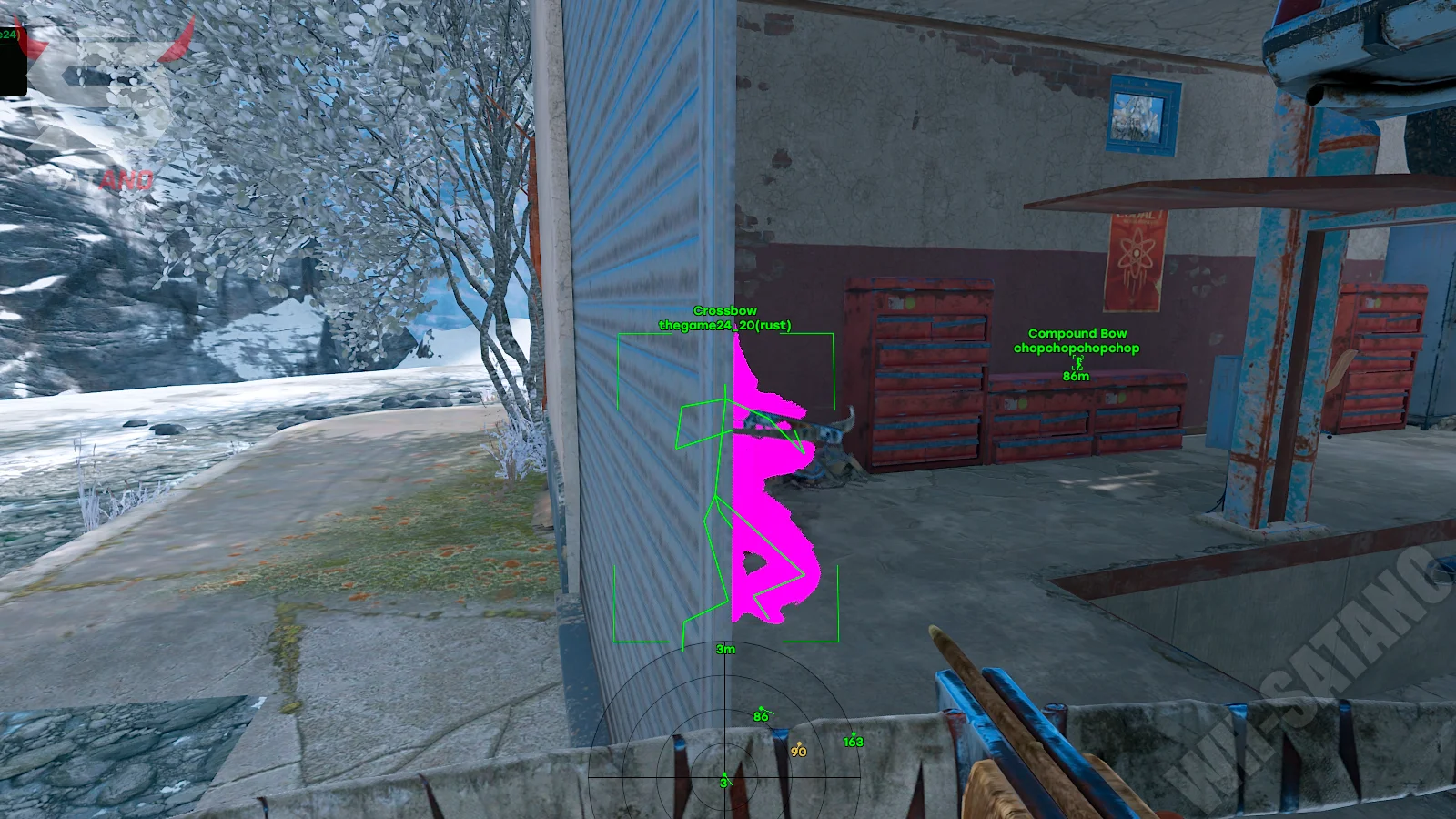
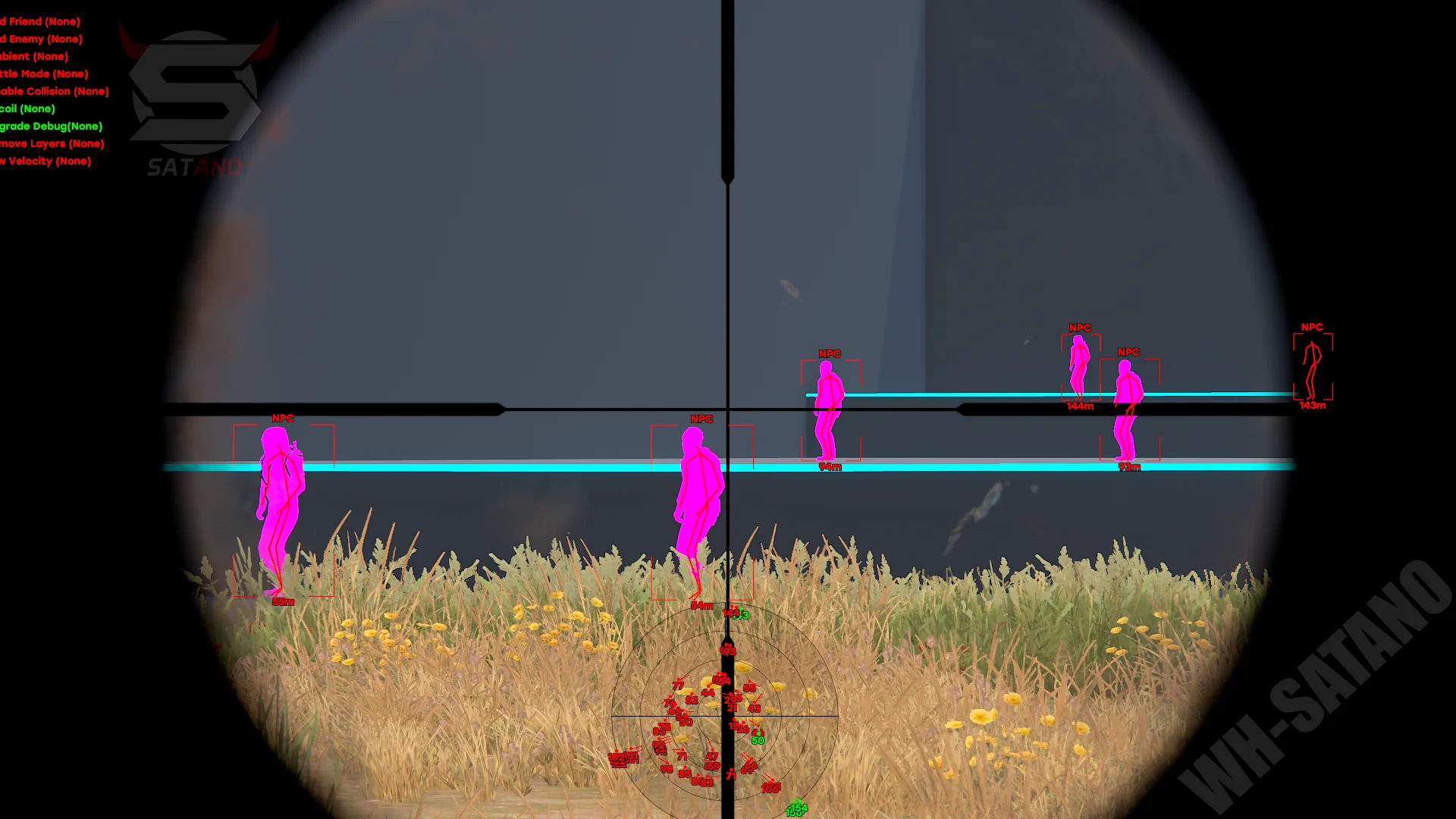
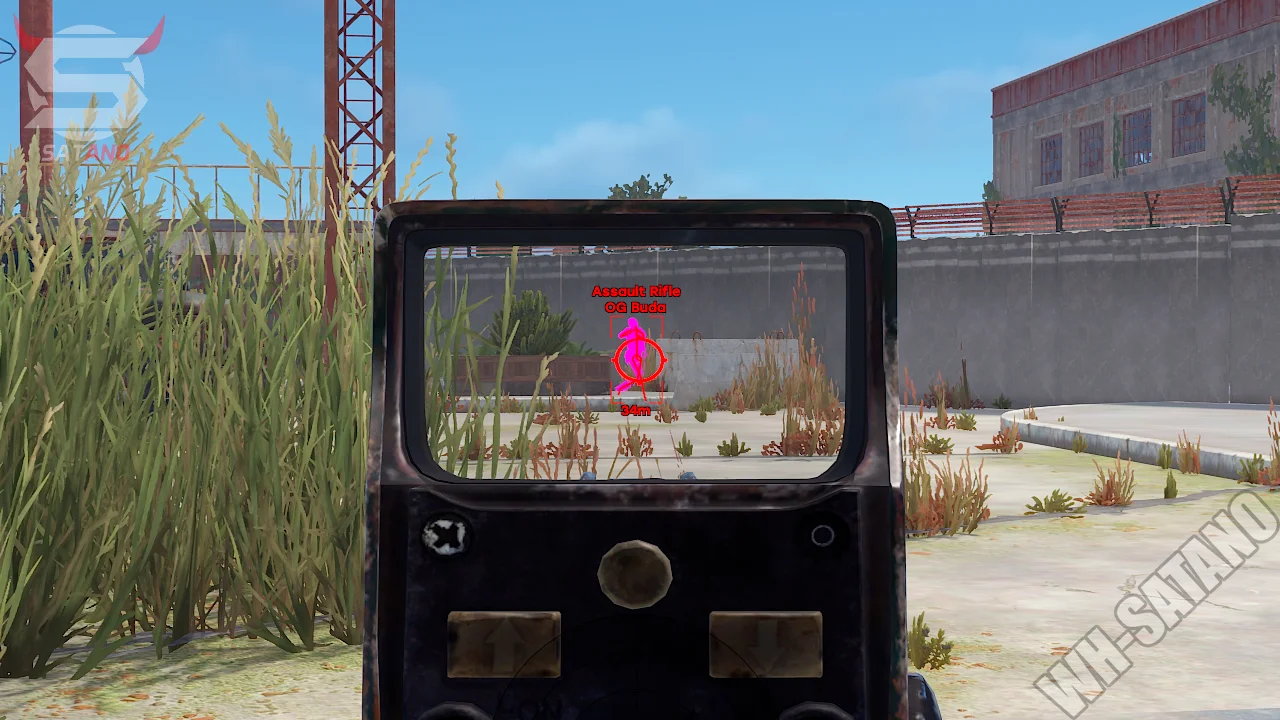
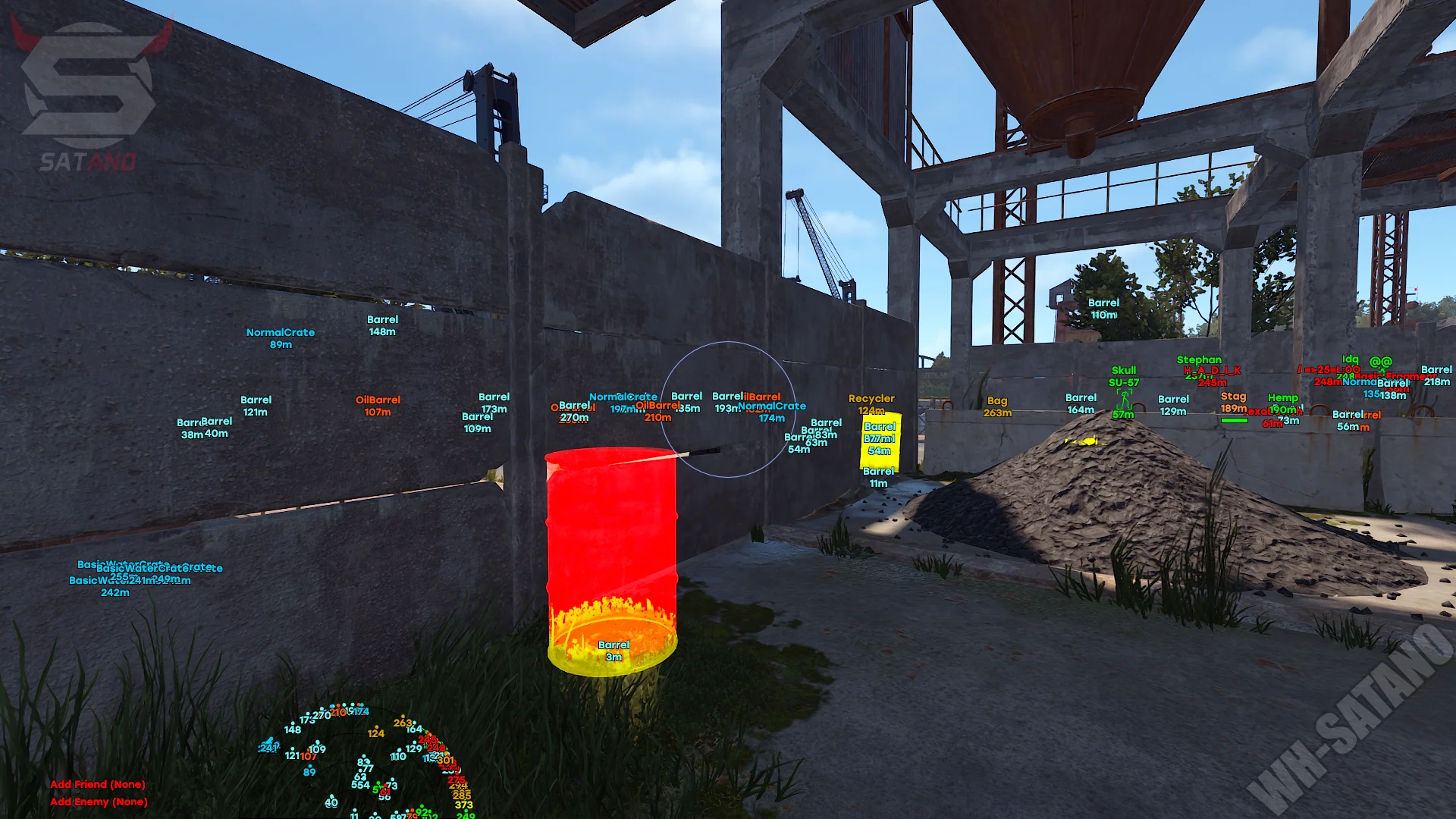
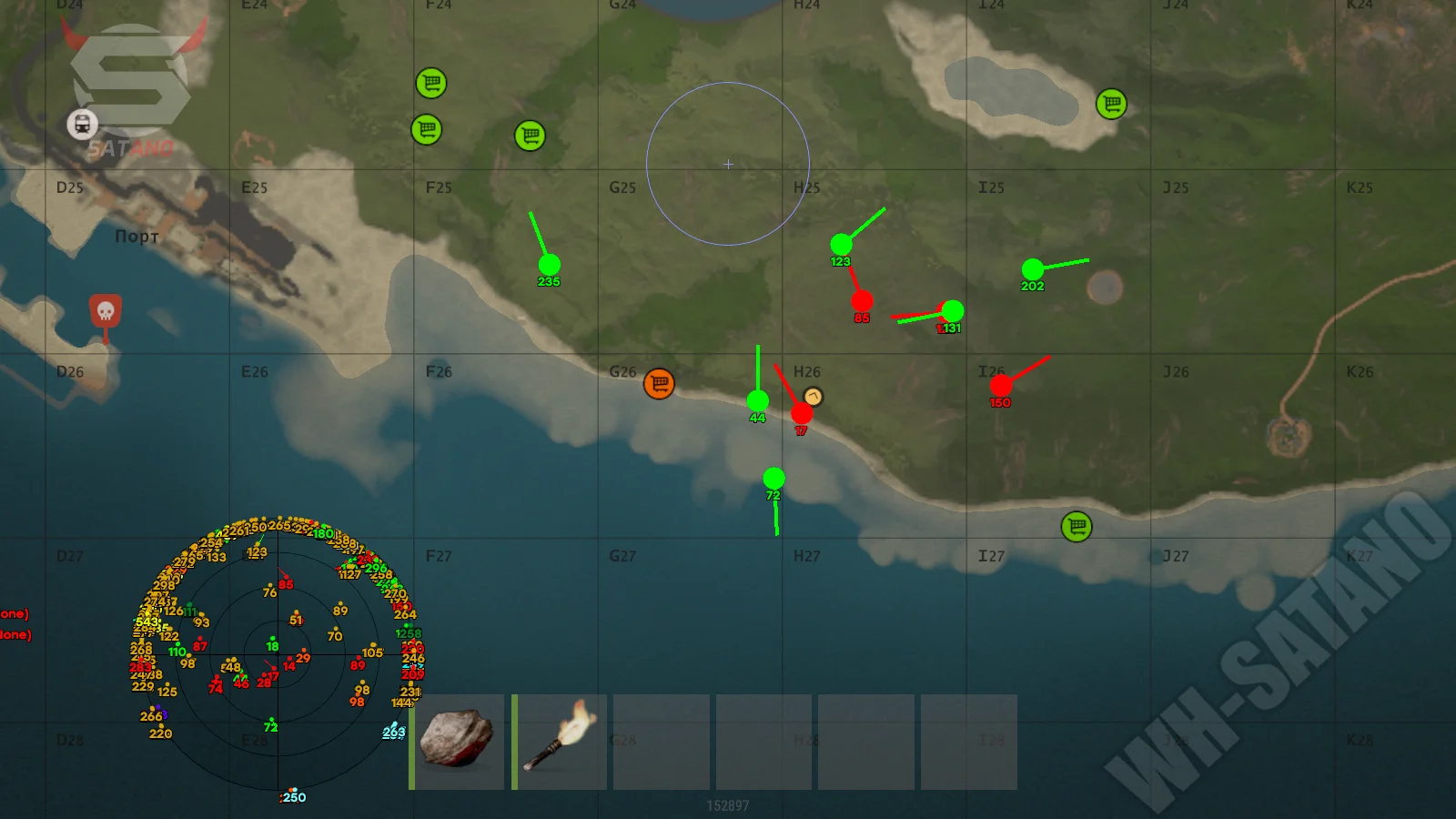
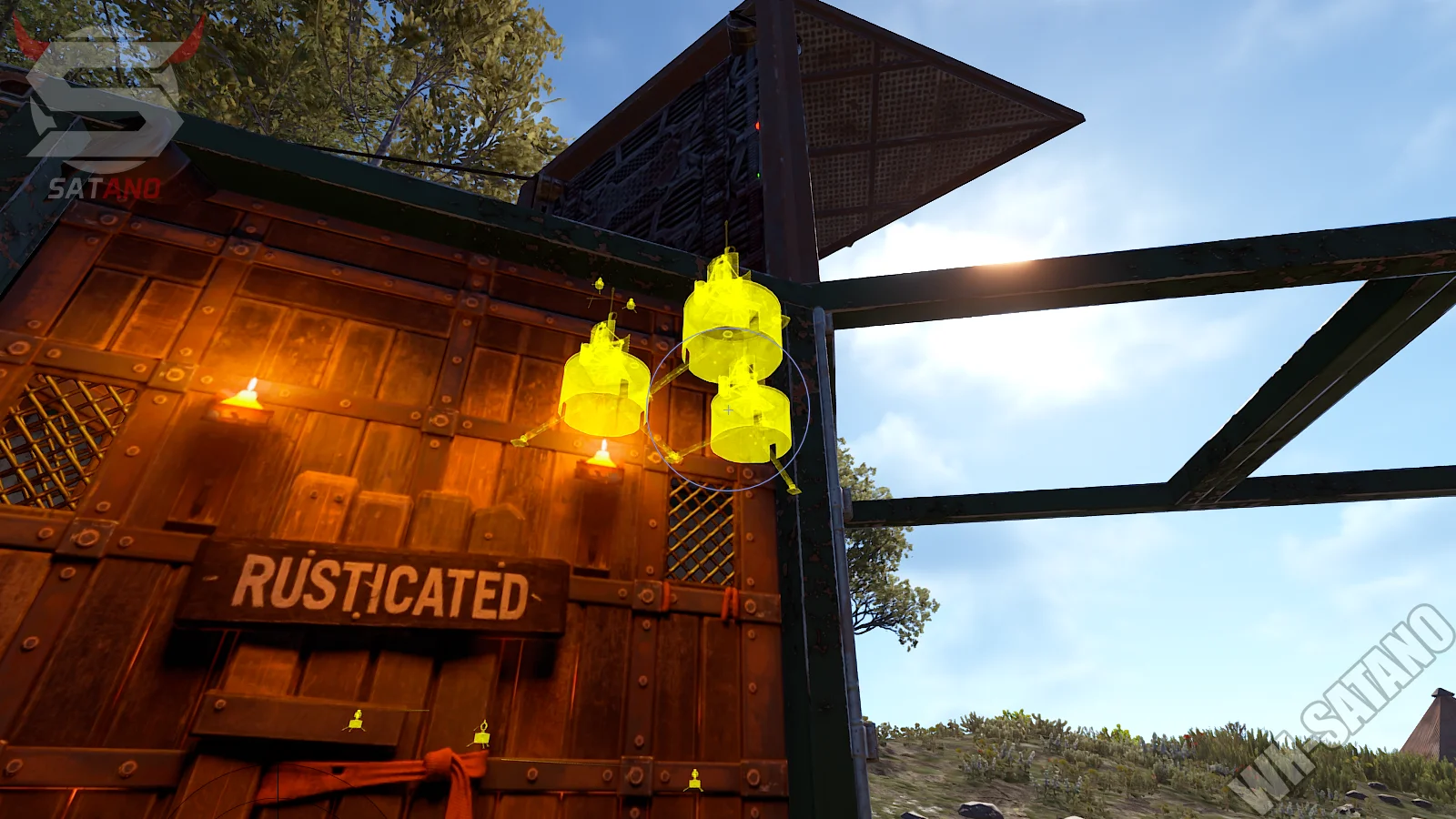
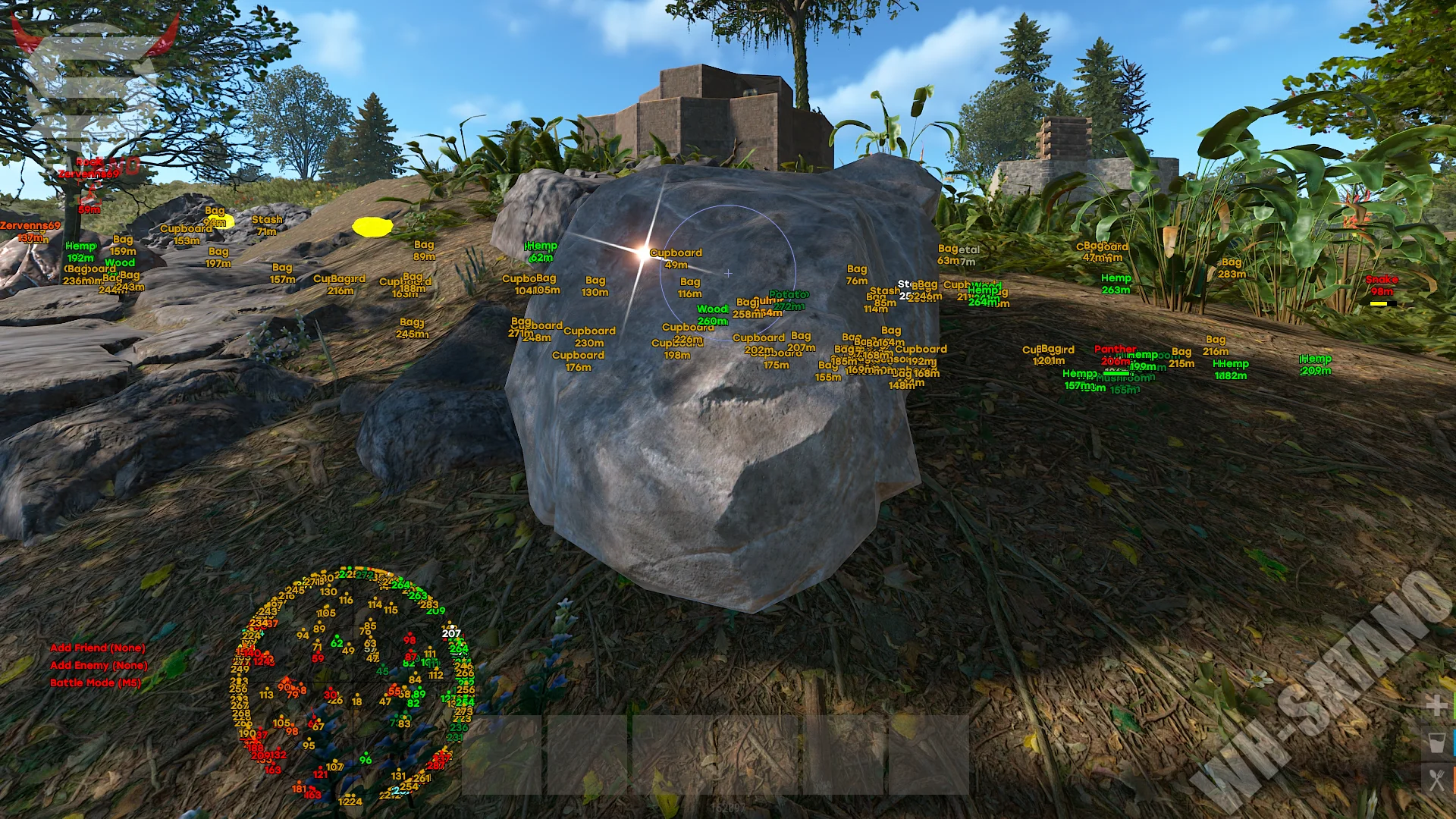
Mason Internal for Rust — a new generation product from the well-known developer Mason. Thanks to the transition to an internal architecture, the software offers an impressive set of features, extended customization, and functionality that satisfies both fans of aggressive rage gameplay and players who prefer a more legit playstyle. At the core of the cheat is a powerful aimbot with support for pSilent, auto-shoot, hitchance settings, bone selection, advanced prediction, and a wide range of additional parameters. For maximum map control, there is a detailed ESP for players, animals, resources, containers, vehicles, and objects, as well as a full-featured RadarHack with flexible display settings. Special attention should be paid to the massive set of exploits: loot and building automation, movement functions, FlyHack, SpeedHack, Walk On Water, various rage weapon modifications, Instant Hit, No Recoil, No Spread, Instant Kill, and dozens of other features. All of this is complemented by a modern signature menu, a config system, and detailed customization of nearly every cheat element.
System Requirements
- Operating system: Windows 10, Windows 11 (21H2, 22H2, 23H2, 24H2, 25H2, 26H1)
- Processor: Intel & AMD
- Video card: Nvidia & AMD
- Client: Steam
Aim Bot (Aimbot)
- Aimbot – automatic aiming at enemies to improve shooting accuracy
- Aim Key – ability to assign your own key to activate the aimbot (up to two keys)
- Aim Bone – selection of body parts to aim at (head, chest, and other bones)
- Bone Override – force change the bone where hits will be registered
- Aim FOV – size of the area where the aimbot locks onto targets
- Smooth – adjustment of aim smoothness when locking onto a target
- PSilent – silent aimbot mode where hits are registered without visible crosshair movement
- High Grenade Prediction – advanced angled grenade trajectory prediction for accurate target hits
- Target Saved Position – aimbot works at a saved position on the map
- Autofire – automatic shooting when aiming at an enemy (when the target can be hit)
- Visible Check – aim only at visible targets (not through walls or obstacles)
- Target Helicopter – ability to use aimbot against the patrol helicopter
- Hit Chance – adjust hit probability for more legitimate aimbot behavior
- Keep Target – keep the current target until eliminated or lost
- Draw Crosshair – display an additional customizable crosshair over the game interface
- Draw FOV – display the aimbot working radius on the screen
- Simulate Projectile – visualize the predicted projectile trajectory
- Predicted Marker – display lead marker for shooting moving targets
- Target Snapline – draw a line from the player to the current target inside the aimbot FOV
- Projectile Tracers – display tracers and trajectory of fired projectiles
Wallhack (WH)
- Box – draw a 2D box around the character
- Player Chams – highlight player models through walls and obstacles
- Players – display players on screen via ESP
- Scientists – display scientist NPCs and other hostile bots
- Name – display the character's in-game name
- Distance – display distance to the target
- Team ID – display team/squad identifier for all players
- View Direction – display the direction the player is looking
- Skeleton – draw the character skeleton based on model bones
- Thickness – adjust line thickness for skeleton and other ESP elements
- HeldItem – display the item or weapon currently held by the player
- Chams Material – select fill material for chams
- Glow Intensity – adjust model glow intensity
- Hotbar Options – customize display of players' hotbar slots
- Looking At Alerts – show alert if a player is looking at you
- OOF – display direction of off-screen targets using arrows
- Safezone – highlight players in safe zones
- Team – highlight teammates with a separate color
- Enemy – highlight enemies with a separate color
- Wounded – display and highlight wounded players
- Sleeping – display sleeping players
- Online Sleeper – display sleeping players who are still online
- Dead – display dead players
- Max Distance – set maximum distance for displaying players and bots
Animals ESP
- Snake – display snakes
- Tiger – display tigers
- Panther – display panthers
- Crocodile – display crocodiles
- Bear – display bears
- Boar – display boars
- Wolf – display wolves
- Shark – display sharks
- BeeSwarm – display bee swarms
- Stag – display deer
- Horse – display horses
- Animal Chams – highlight animals through walls and obstacles
- Health Text – display animal health as text
- Health Bar – display animal health as a health bar
Resources ESP
- Stone Ore – display stone ore nodes for resource gathering
- Metal Ore – display metal ore nodes
- Sulfur Ore – display sulfur ore nodes
- Wood Pile – display wood piles and tree gathering points
- Hemp – display hemp plants (cloth)
- Rose – display roses and decorative plants
- Sunflower – display sunflowers
- Orchid – display orchids
- Stone – display collectible stones
- Metal – display collectible metal
- Sulfur – display collectible sulfur
- Wood – display collectible wood
- Diesel – display diesel fuel
- Berries – display berry bushes
- Food – separate category of food resources
- Wheat – display wheat
- Corn – display corn
- Mushroom – display mushrooms
- Pumpkin – display pumpkins
- Collectable/Food Chams – enable chams-style wallhack for collectible items and food
- Collectible Max Distance – set distance for displaying collectible resources
- Food Max Distance – maximum display distance for food
Crates and Containers ESP
- Airdrop – display airdropped supply crates
- Locked Crate – display timed locked crates
- Normal Crate – display standard loot crates
- Military Crate – display military crates with rare gear
- Elite Crate – display elite containers with the most valuable loot
- Tool Crate – display red tool crates
- Advanced Water Crate – display advanced water crates
- Basic Water Crate – display basic water crates
- Medical Crate – display medical crates
- Food Crate – display food containers
- Basic Crate – display basic loot crates
- Normal Barrel – display normal barrels
- Oil Barrel – display oil barrels
- BeeHive – display beehives
- Player Corpse – display player corpses
- Scientist Corpse – display scientist and NPC corpses
- Animal Corpse – display animal carcasses
- Advanced Fragments – display advanced components and fragments
- Basic Fragments – display basic components and resources
- RedCard – display red keycards
- Backpack – display dropped player backpacks
- Dropped Items – display items dropped on the ground
- Dropped Weapons – display weapons lying on the ground
- Container Chams – highlight containers and crates using chams
- Other Chams – highlight other items using chams
Vehicles ESP
- Patrol Heli – display the patrol helicopter
- Bradley – display the Bradley APC tank
- Car – display cars
- Train – display trains
- Drones – display drones
- Cargo Ship – display the cargo ship
- Minicopter – display minicopters
- Scrap Heli – display the Scrap Transport Helicopter
- RHIB – display RHIB speedboats
- Rowboat – display rowboats
- Submarine – display submarines
- Attack Helicopter – display attack helicopters
- Tug Boat – display tugboats
- Pedal Bikes – display bicycles
- Motor Bikes – display motorcycles
- Vehicle Chams – highlight vehicles through walls and obstacles
- Max Distance – maximum distance for displaying vehicles and transport
Deployable & Objects ESP
- Recycler – display resource recyclers
- Cupboard – display tool cupboards (authorization cabinets)
- CCTV Camera – display placed surveillance cameras
- Stashes Unhidden – display found and uncovered stashes
- Local Stashes – display hidden player stashes
- Sleeping Bag – display sleeping bags and respawn points
- RF Receiver – display RF receivers
- RF Broadcaster – display RF broadcasters
- HBHF Sensor – display HBHF motion sensors
- Seismic Sensor – display seismic sensors
- Large Battery – display large batteries
- Tier3 – display level 3 workbenches
- Tier2 – display level 2 workbenches
- Tuncan Alarm – display homemade tin can alarms
- AutoTurret – display auto turrets
- Gun Trap – display gun traps
- Flame Trap – display flame traps
- Snap Trap – display snap traps
- Samsite – display SAM sites
- Landmines – display landmines
Radar Hack (MapHack)
- Enable – enable built-in radar to display nearby targets and objects
- Draw Scientist – display scientists and NPCs on the radar
- Draw Other Entities – display additional objects and entities on the radar
- Draw Cross – display central crosshair on the radar
- Draw Background – display radar background
- Draw Circles – display auxiliary distance circles on the radar
- Draw Text – display text information next to objects on the radar
- Draw Direction – display movement and view direction of targets
- Ingame Radar – display radar directly in the game world
- Ingame Map Players – display players on the in-game map
- Ingame Map Scientist – display scientists and NPCs on the map
- Text – display object names and labels on the radar
- Direction – display direction of objects and targets on the map
- Ingame Radar Entities – display various in-game entities on the radar
- Ingame Map LocalStashes – display stashes on the in-game map
- Radar Customization – flexible radar settings (size, distance, line thickness, etc.)
Exploits (Automation)
- Auto Reel Fish – automatically reel in fish while fishing
- Auto Upgrade – automatically upgrade building blocks to selected tier (wood, stone, metal, HQM)
- Auto Heal – automatically use medical items at low HP
- Spam Torch – rapidly toggle torch on/off
- Spam Doors – open and close doors at high speed
- Auto Collect – automatically collect nearby available resources and items
- Auto Loot – automatically loot containers with selected items (customizable loot list)
- Auto Lock – automatically lock nearby locks
- Auto Auth – automatically authorize in cupboards and other access-based objects
- Auto Respawn – automatically respawn after death
- Reset Crafting – reset current crafting queue
- Cancel Crafting – cancel active crafting
- Drop Inventory – drop entire inventory on key press
- Drop Container – instantly empty a container
- Refill Jackhammer – automatically repair jackhammer near a repair bench
- Keep In Handcuffs – keep target restrained in handcuffs without constant interaction
- Steal Players – force nearby players into your vehicle
Exploits (Movement)
- No Fall – disable fall damage
- No Collision – disable collision with environment objects and obstacles
- No Drag – disable slowing and resistance effects while moving
- Anti Violations – reduce anti-cheat checks and server-side restrictions
- Auto Adjusting Speedhack – automatically adjust movement speed to bypass server limits
- Walk on Water – walk on water without submerging
- Flyhack – freely fly around the map
- Omni Directional Sprint – sprint in any direction without speed loss
- On Ladder – retain additional movement abilities while on ladders
- Teleport – instantly move five meters up or down
- Crouch Mode – special movement modifications while crouching
- Spiderman – move along vertical surfaces and hard-to-reach objects
- Inf Jump – unlimited jumps without restrictions
- Anti AFK – prevent automatic kick for inactivity
- Auto-Teleport – moves your position to a point from which you can instantly attack a playe
Exploits (General)
- Fov Changer – change field of view
- Zoom Hack – adjust zoom level
- Always Day – force daytime on the map
- Remove Layers – disable game layers and objects (textures)
- Current Layers – select layer to disable textures (buildings, trees, terrain, etc.)
- Remove Flash – disable flash effect
- Remove Grass – remove grass and small vegetation
- No Smoke – disable smoke effects
- No Water Blur – disable underwater blur
- No Water Scattering – disable water light scattering effects
- Demo Record – automatically record gameplay demo files
- Debug Camera – free camera for viewing terrain and player bases
- Rotate Buildings – rotate building objects after placement
- BruteForce Codelocks – automatically brute-force code locks
- Fast Place – faster placement of building elements and objects
- Instant Revive – instantly revive wounded players without waiting for animation
- Instant Close/Open Door – instantly open and close doors
- Replace Door – quickly replace installed door with another
- Suicide – instantly kill your character
- Instant Loot – instantly transfer container and corpse contents to inventory
- Open Crates – automatically open loot containers and crates
- Shopfront Stealer – quickly interact with shopfronts/trade windows to obtain items
- Instant Handcuff Release – instantly remove handcuffs without waiting for animation
Exploits (Weapons)
- Instant EOKA – instant fire of EOKA pistol on first try (configurable)
- No Recoil – disable weapon recoil
- No Sway – disable weapon sway while aiming
- No Spread – disable bullet spread
- Fast Fire – increase weapon fire rate
- No Melee Punch – disable camera punch and push effect during melee attacks
- No Melee Slowdown – disable movement slowdown during melee attacks
- No Weapon Bob – disable weapon bobbing while moving
- Desync – simulate lag/high ping to gain advantage in fights (keybind)
- Instant Kill – deal lethal damage in a single hit
- Instant Hit – instant hit registration on enemy
- Custom Projectiles – enlarged projectile hit area near the target
- Low Velocity – reduce projectile velocity
- Behind Wall Calculations – calculate trajectory and register hits through obstacles
- Heli Magic – increase helicopter hitbox for easier hits
- Heli Rotor Override – redirect hits to selected helicopter part (main or tail rotor)
- Pierce Hitbone – select bone for hit registration through obstacles
- Hit Material – define material that bullets can penetrate
Misc Features Mason Rust Internal
- Player List – separate tab with friend/enemy list and interaction settings
- Configs – create profiles with custom settings and quickly load them
- Ambient – adjust world ambient lighting
- Show Current Time – display current in-game time
- Sky Changer – change sky parameters and appearance
- Aspect Ratio – adjust screen aspect ratio
- Bright Stars – increase brightness of stars in the night sky
- Draw Hotkeys – display active hotkeys list on screen
- Menu Key – select menu open key
- Menu Scale – adjust menu interface scale
- Font Settings – manage fonts for different cheat interface elements
- Multi-Language Support – the Mason Rust Internal menu supports multiple languages (English, Chinese, and Russian
Similar Products
Ancient Rust Hack
- Powerful Aimbot with lots of settings (Silent / Rage)
- ESP (WH), Loot, Radar, Chams (Many Styles)
- Debug Camera, Time Changer and Other Rust Exploits
Stealth Rust Full
- Wallhack for displaying Players, NPCs, and Animals
- Powerful Silent Aimbot for killing opponents
- Loot ESP, World ESP, and additional exploits
Stealth Rust Lite
- Wallhack in the form of bright white chams
- Ability to hide nearby constructions
- Legit cheat for Rust
Arcane Rust
- Powerful Aimbot for Rust with flexible settings
- ESP (Wallhack) for displaying Players, Loot, etc.
- Exploits (Misc functions), Convenient menu, and StreamProof