Ghost Full Software for Delta Force

Information about cheat
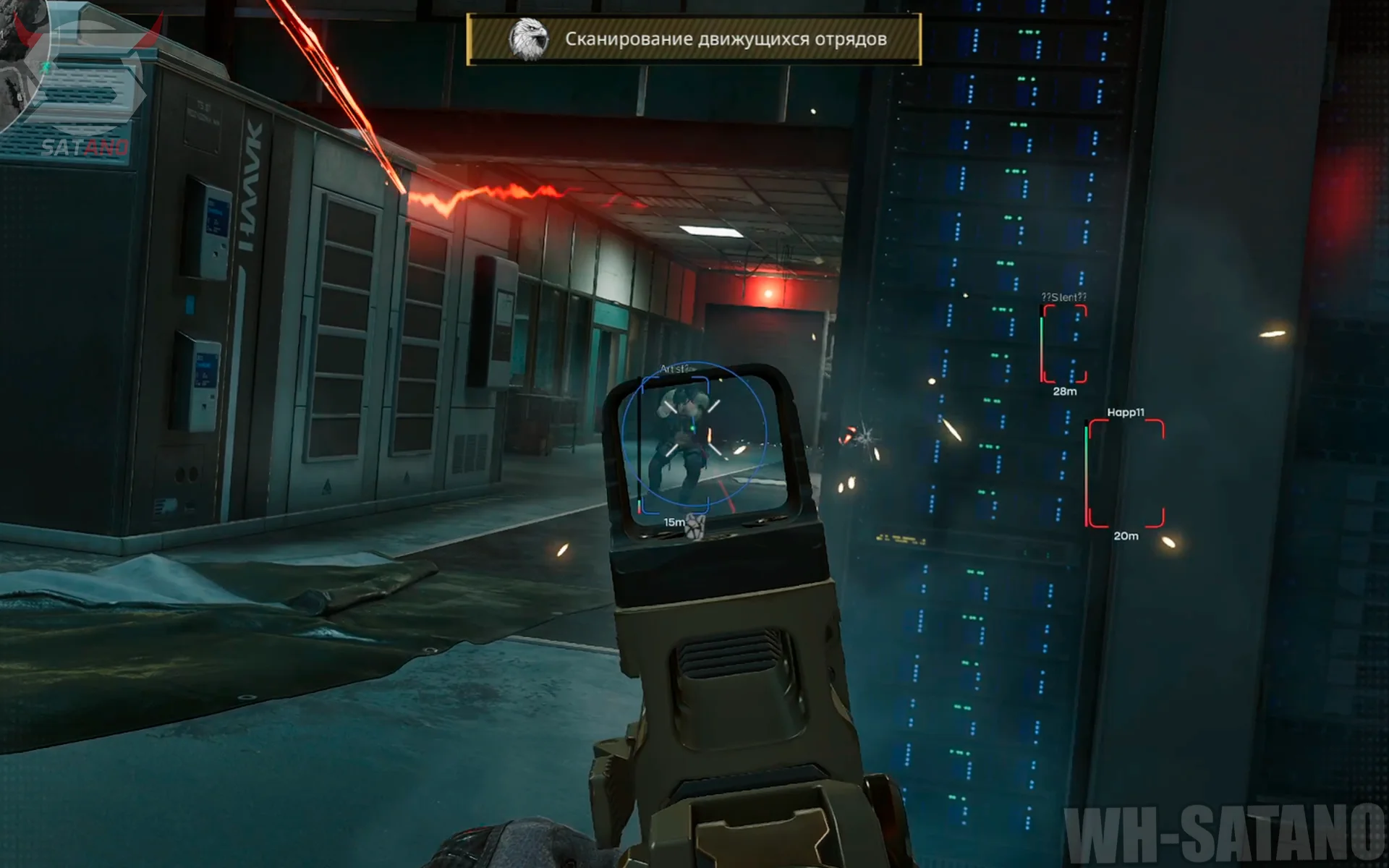
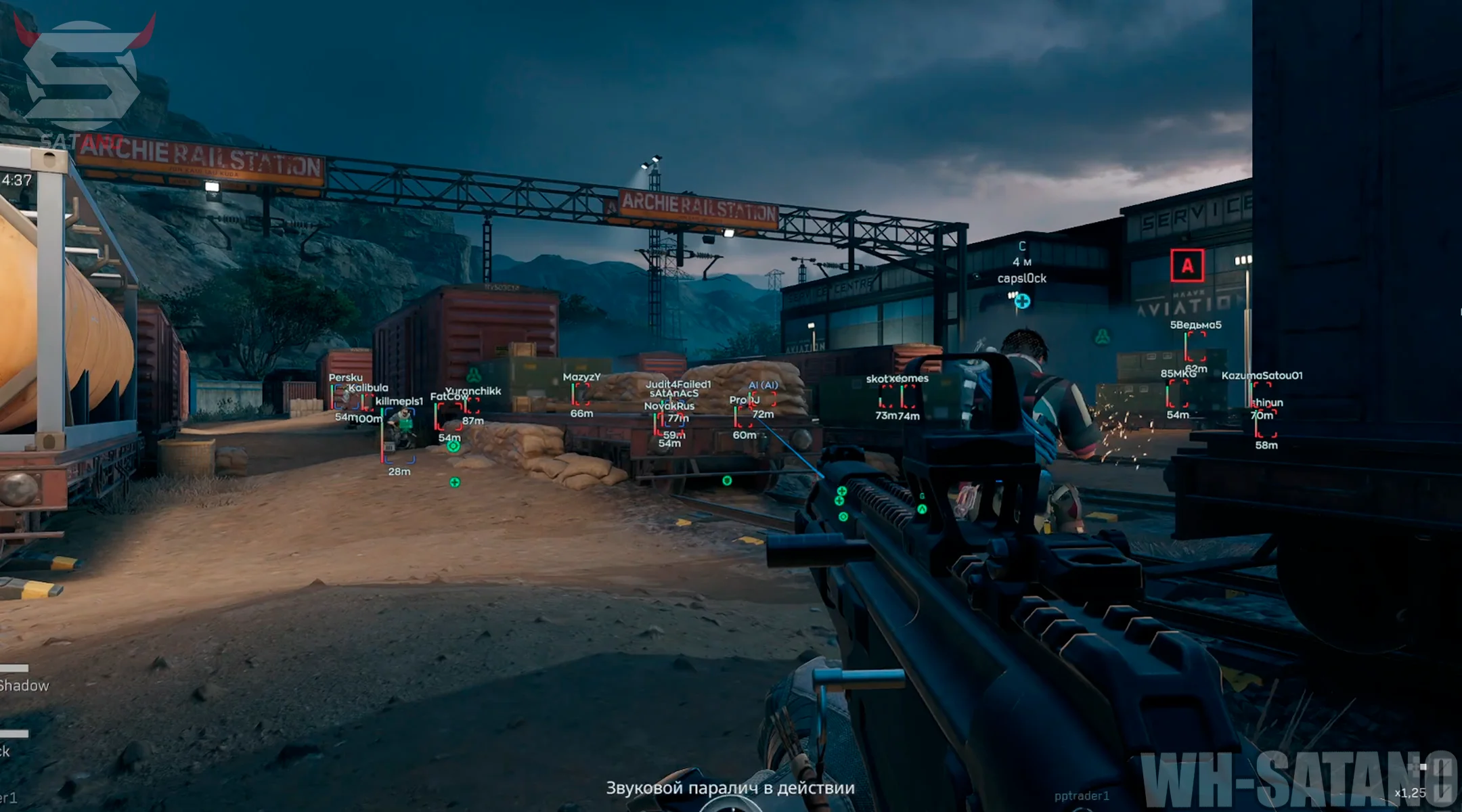
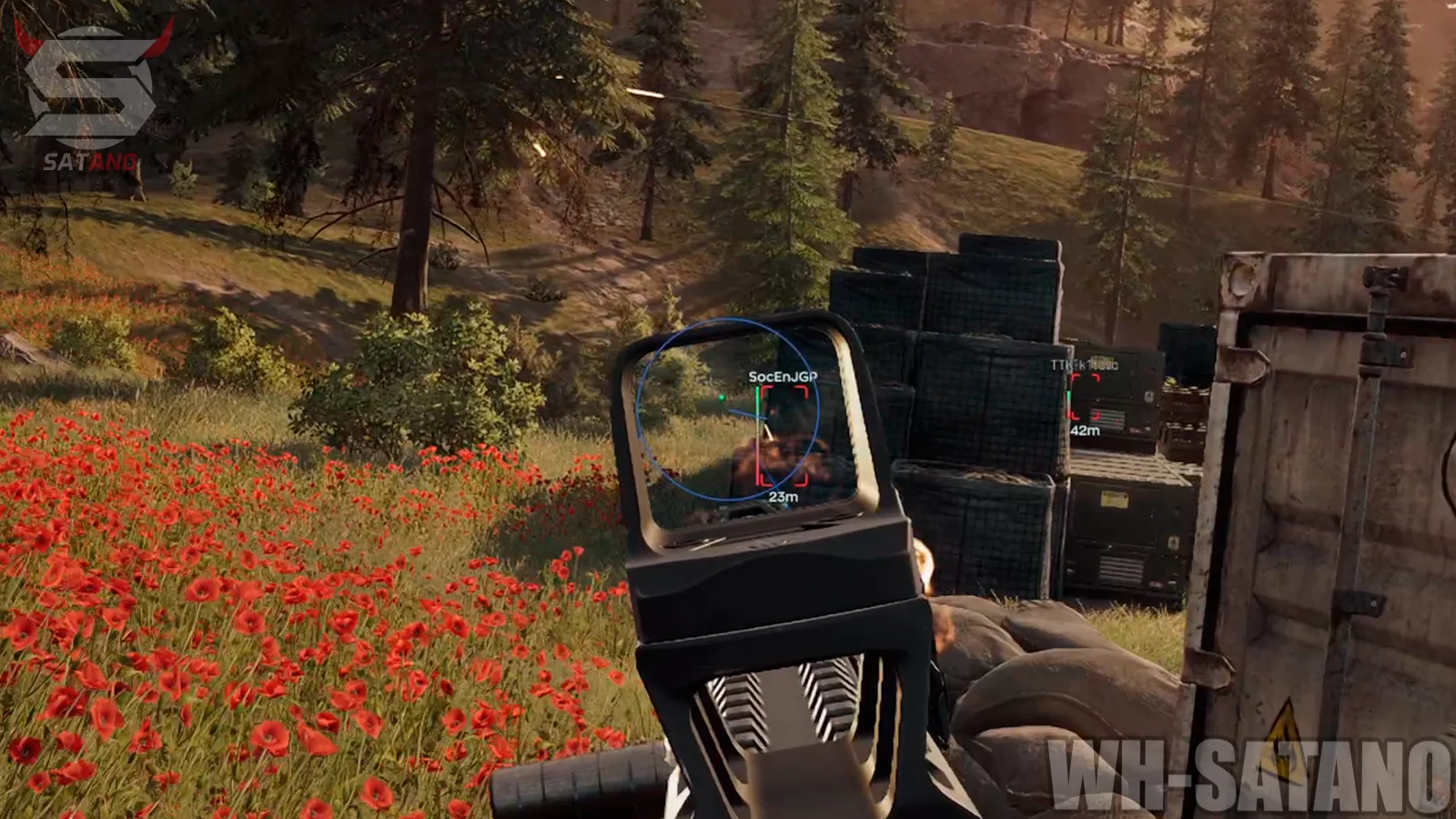
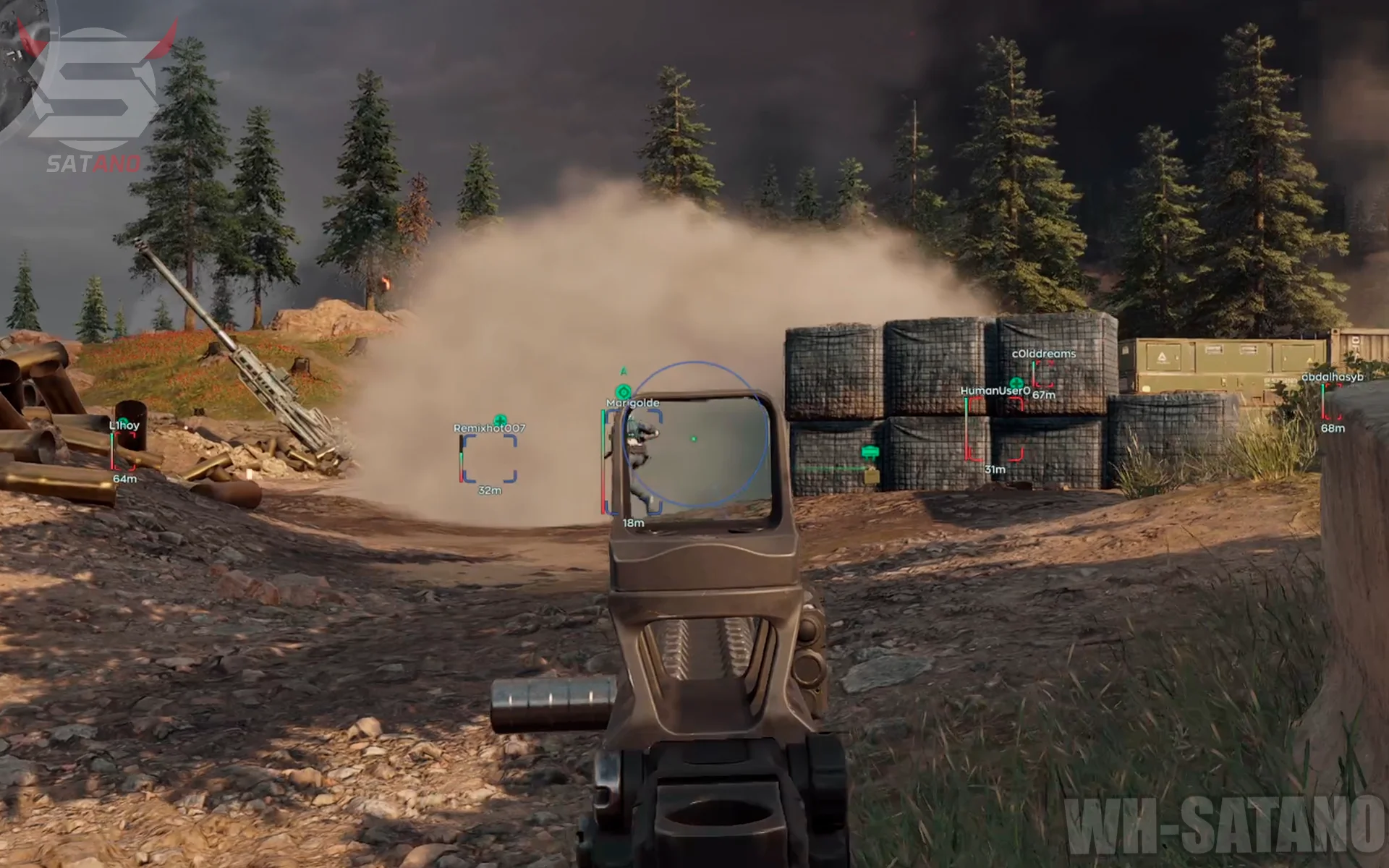
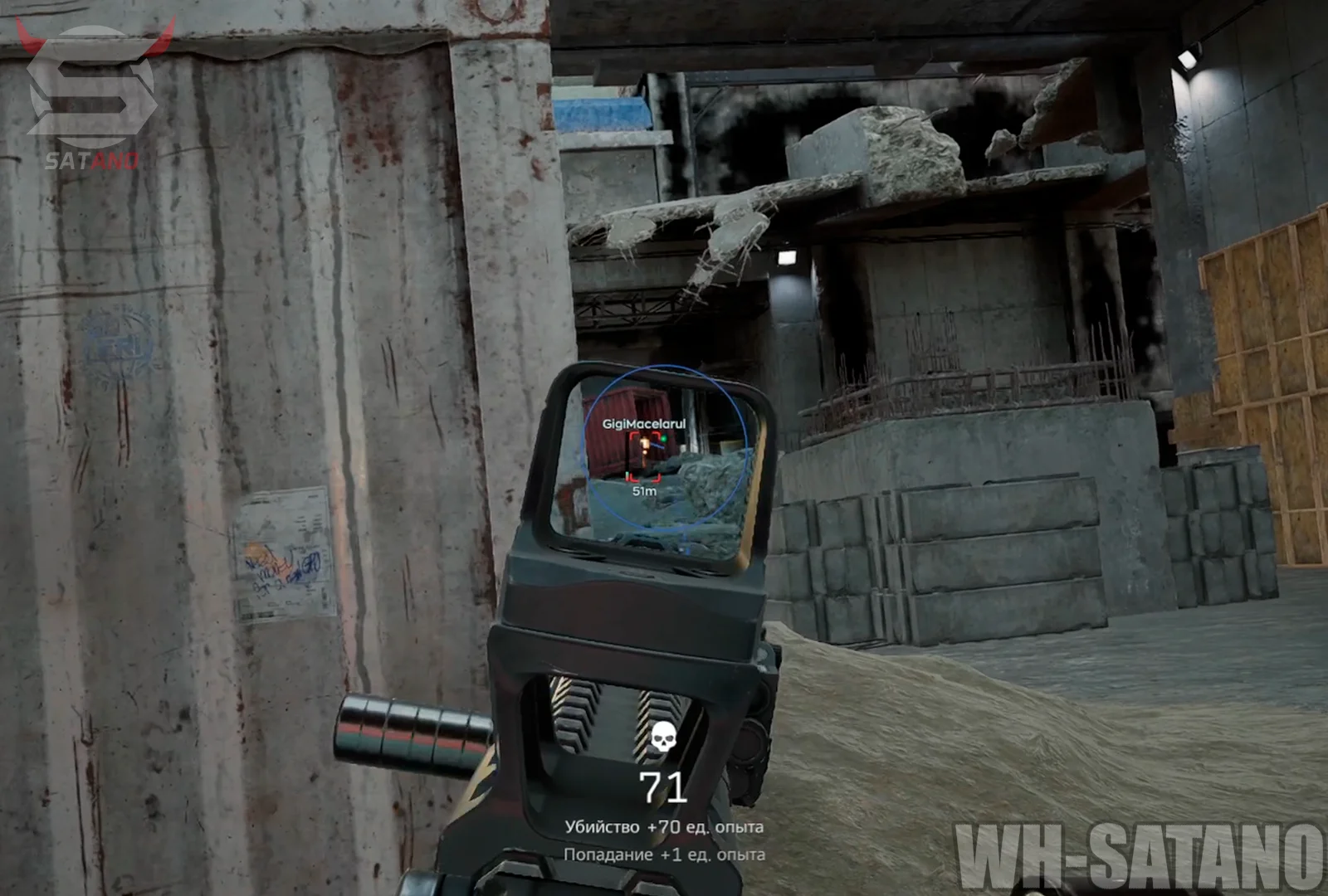
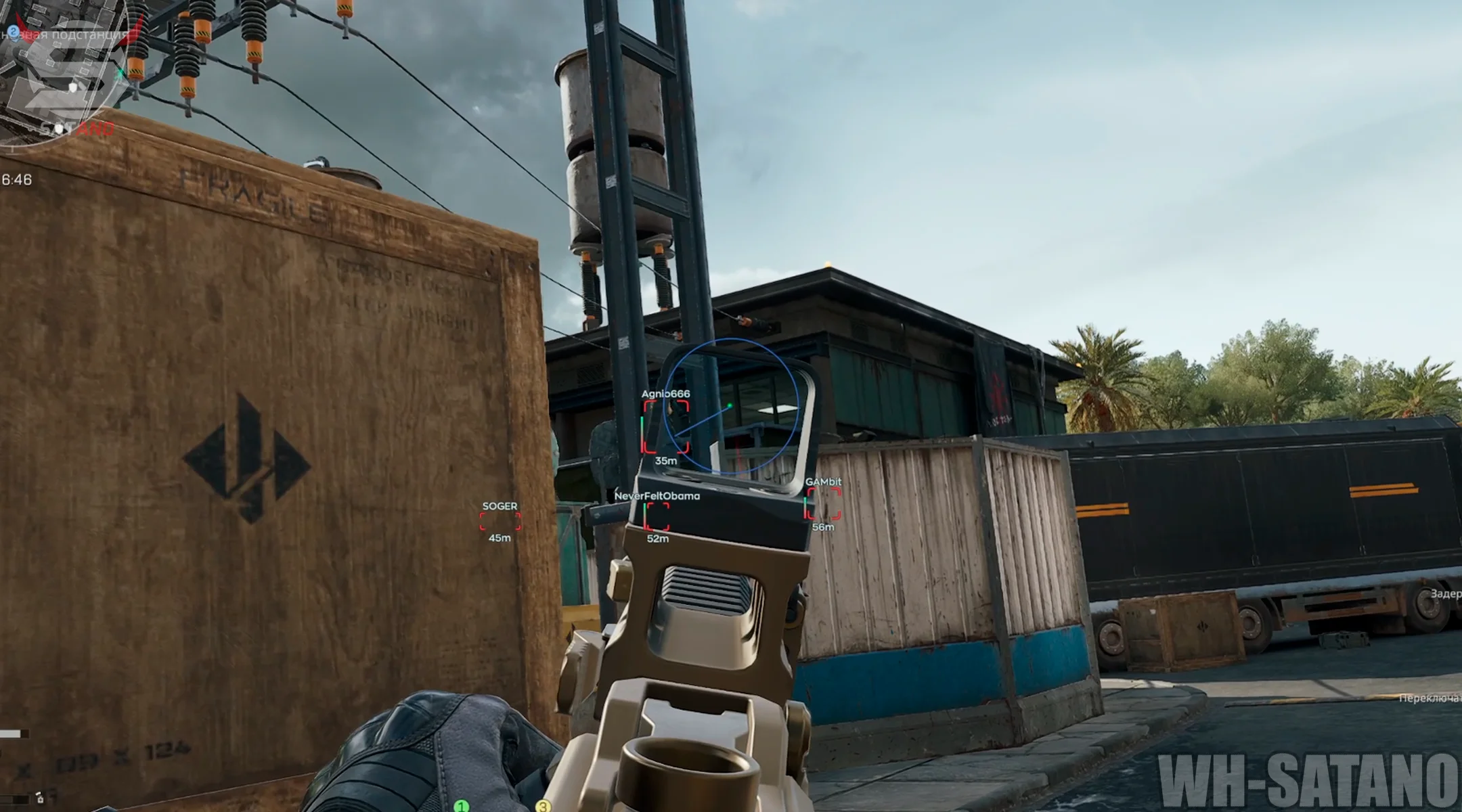
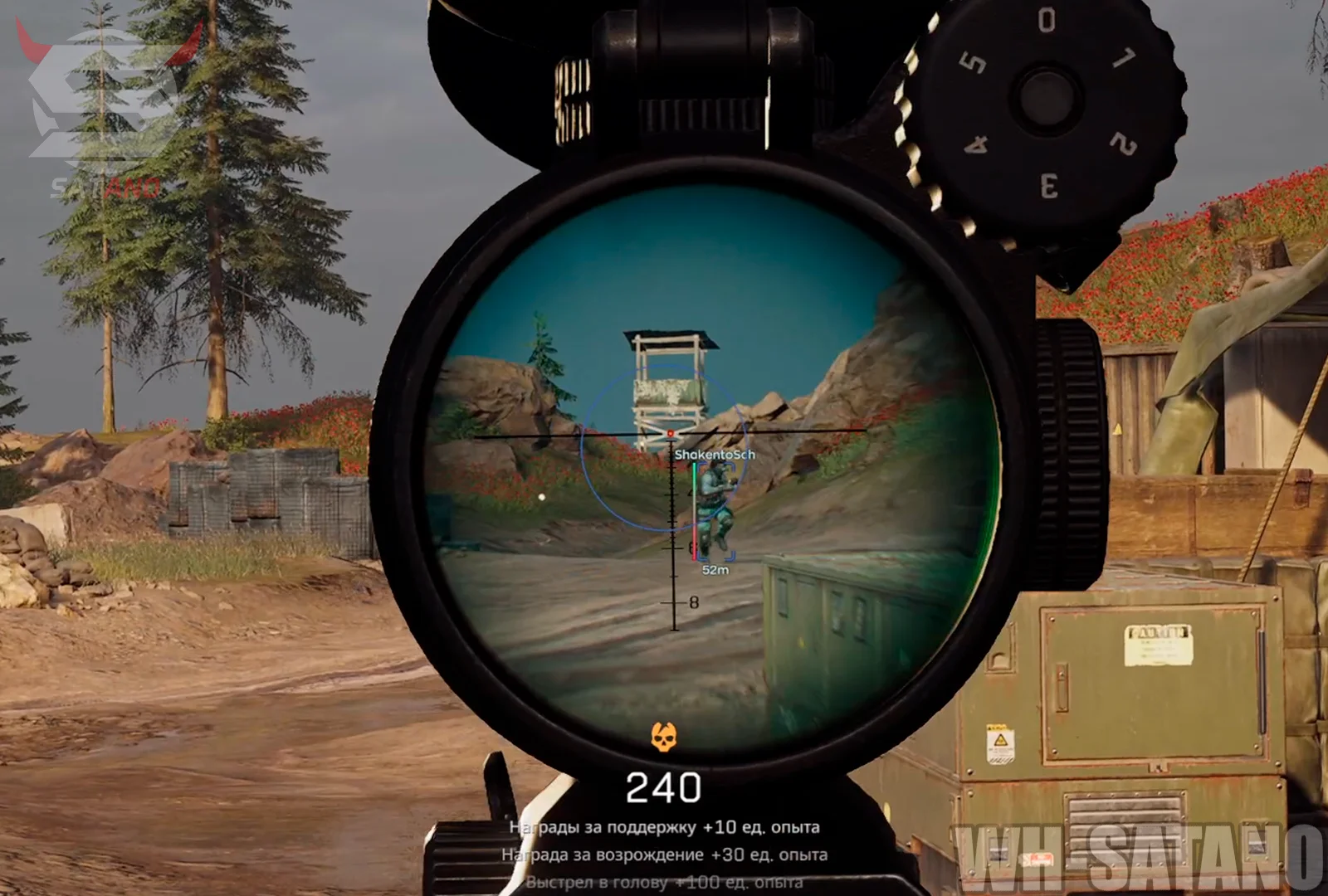
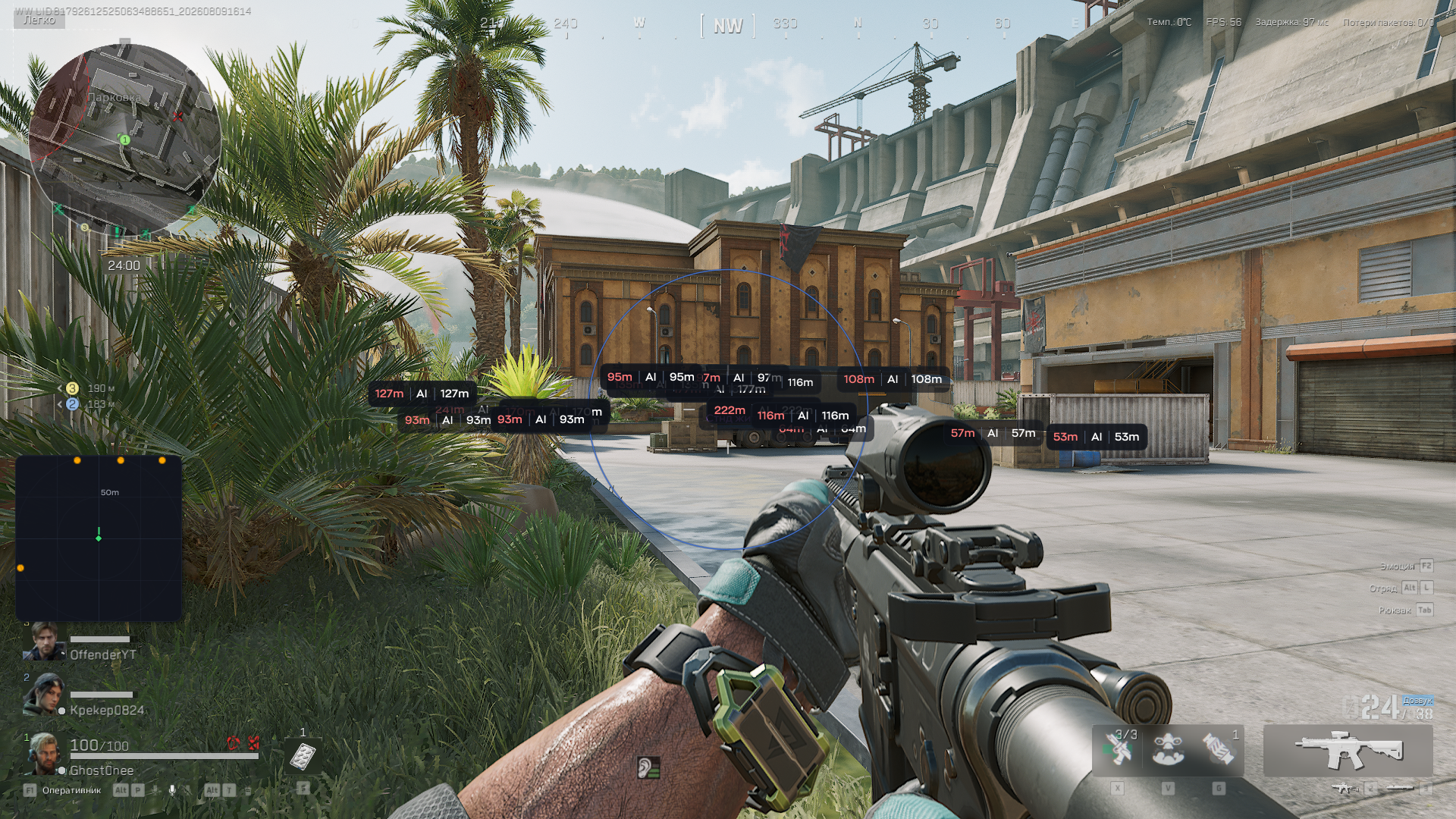
Ghost Full for Delta Force received a major update that expanded the software's capabilities and made it even more convenient to use. The updated Aimbot now features deeper customization, while the Humanizer function makes aiming look more natural and adapts the aimbot's behavior to a more legit playstyle. The visual side has also been reworked: the modern ESP displays players, bots, dead bodies, containers, and other useful loot. It is complemented by the signature Radar Hack with flexible display settings. To improve comfort, Instant ADS is available for faster aiming, along with No Recoil for recoil control during shooting. Special attention was also given to ease of use. Ghost Full supports a profile system that allows you to save multiple configuration variants and switch between them with a single click. The interface is available in English, Chinese, and Russian.
System Requirements
- Operating system: Windows 10, Windows 11 (22H2, 23H2)
- Processor: Intel & AMD
- Video card: Nvidia & AMD
- Client: Steam
Aimbot (Aim Bot)
- Enable – enables automatic aiming at the target
- Type – allows you to choose the aimbot type (Memory, Silent)
- Memory Aim – a more accurate aimbot with smooth aim lock onto the target (legit)
- Silent Aim – silent aimbot on enemies without visible crosshair movement (semi-rage, rage)
- Hitbox – selects the main hit area for aiming
- Bone Mode – determines the bone selection mode for aiming
- FOV – size of the area for aimbot target acquisition
- Smooth – adjusts the smoothness of aiming at the target
- Visible Check – aims only at visible targets
- Bots Only – enables aim only on bots
- Ignore Knocked – aim ignores knocked players
- Target Line – displays a line from the crosshair to the target locked by the aimbot
- Max Distance – sets the maximum aimbot operating distance
- Humanize – enables human-like behavior patterns when aiming at a target
- Jitter – adjusts random deviation during aiming
- Deadzone – sets an area around the crosshair with no aim correction
- Reaction Min – sets the minimum reaction delay to a target
- Reaction Max – sets the maximum reaction delay to a target
- Max Speed – limits the maximum aiming speed
- Bone Selection – allows you to select individual body points for aiming in a convenient window
Visuals (Wallhack)
- Enable – enables ESP display for players and bots
- Box – displays a box around players and AI
- Skeleton – displays player skeleton ESP
- Name – shows the target's name/nickname
- Party – displays information about the players' party/squad
- Distance – shows the distance to the target in meters
- Health – shows the health level
- Armor – displays the armor level
- Weapon – shows the target's current weapon
- Look Direction – displays the look direction
- AI Type – displays the bot type
- ESP Preview – preview window for the selected ESP settings
World ESP
- Corpse – enables display of dead player bodies
- Corpse AI – displays AI bodies
- Corpse Background – adds a background for displaying body information
- Container – enables display of containers
- Safe – displays safes
- Hide Empty – hides empty containers
- Hide Opened – hides already opened containers
- Computer – displays computers
- Container Background – adds a background for displaying container information
- Loot ESP – enables loot display
- Common – displays common items
- Rare – displays rare items
- Epic – displays epic items
- Legendary – displays legendary items
- Mythic – displays mythic items
- Red – displays red rarity items
- Short Name – displays shortened item names
- Count – shows the number of items in the loot
Radar Hack
- Enable – enables the radar
- Size – adjusts the radar size
- Max Distance – sets the maximum distance for displaying targets
- Zoom – adjusts the radar zoom
- Point Size – changes the size of points on the radar
- Point Style – allows you to choose the point display style
- Background – adds a radar background
- Outline – adds an outline to radar elements
- Color Player – adjusts the player display color
- Color Bot – adjusts the bot display color
Other Ghost Delta Force Features
- Instant ADS – provides instant transition into aiming mode
- No Recoil – disables weapon recoil
- Custom ESP Colors – ability to customize the colors of ESP elements
- Localizations – the menu supports multiple languages (English, Russian, Chinese)
- Configs System – profile system with cheat settings for different scenarios
- Config Name – allows you to specify the configuration name
- Create – creates a new configuration
- Delete – deletes the selected configuration
- Save – saves the current config settings
- Load – loads the selected configuration
- Shadow Text – adds shadows to interface text
- Keybind List – shows the list of assigned keys
- Battle Mode – disables unnecessary ESP categories with a button press
- Menu Key – allows you to change the menu open key
- DPI Scale – adjusts the scale of the overlay interface
Reviews of Ghost Delta Force
Here you can read reviews from other users about this product.

Gosmd
The cheat is really decent, the price is good, I bought it for one day to check what's what, everything is amazing, the aimbot is good, the ESP is too, I recommend buying it
Вадим
The software is so-so. aim is aimed through walls, hits everyone, no prediction. wh is shown to everyone. No separation for enemies/allies. Only suitable for raids.
Gundiboyka
WALLHACKS RUN SMOOTLY. AIMBOTH ALSO. COSTUMER SERVICES VERY HELPFULLY. TRUST AND BUY.
Similar Products
Ancient Delta Force Radar
- Browser-based web radar for Delta Force
- Displays players, bots, loot, bosses, and more
- Can be opened on any device and shared with teammates via link
Phoenix Chams Delta Force (Satano)
- Legit highlighting of players, bots, and animals
- Minimal load on FPS and RAM
- Maximum security due to implementation on the game engine
Ancient Delta Force
- Quite a powerful Aimbot with flexible settings
- Player ESP and Radar for displaying opponents
- Full StreamProof, Working and Safe DF software
Unnamed Delta Force Full
- High-precision Aimbot with a lot of settings
- 2 Types of Wallhack: classic and chams
- Loot ESP, StreamProof, and convenient menu