Arcane Software for Highguard
Information about cheat
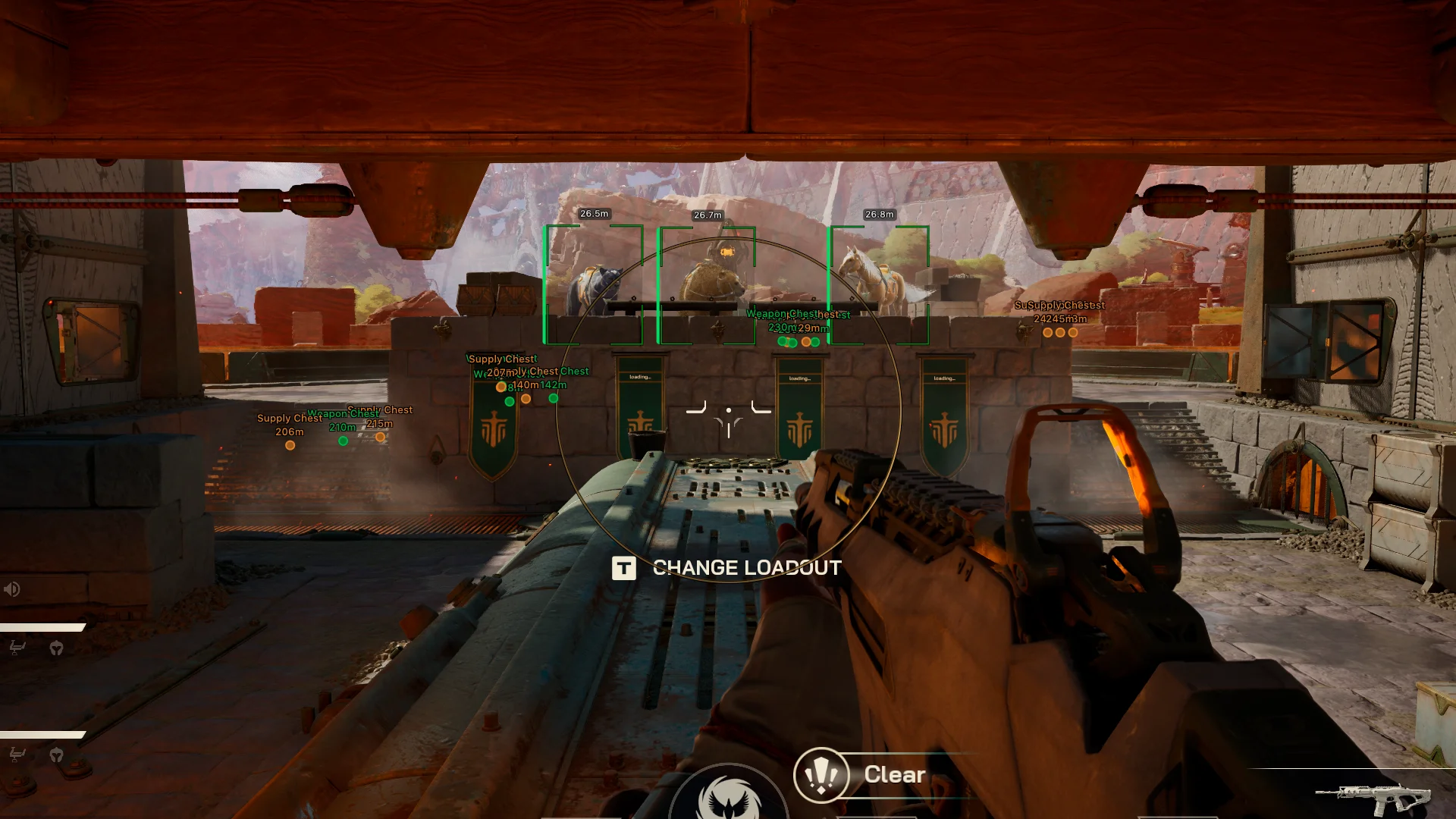
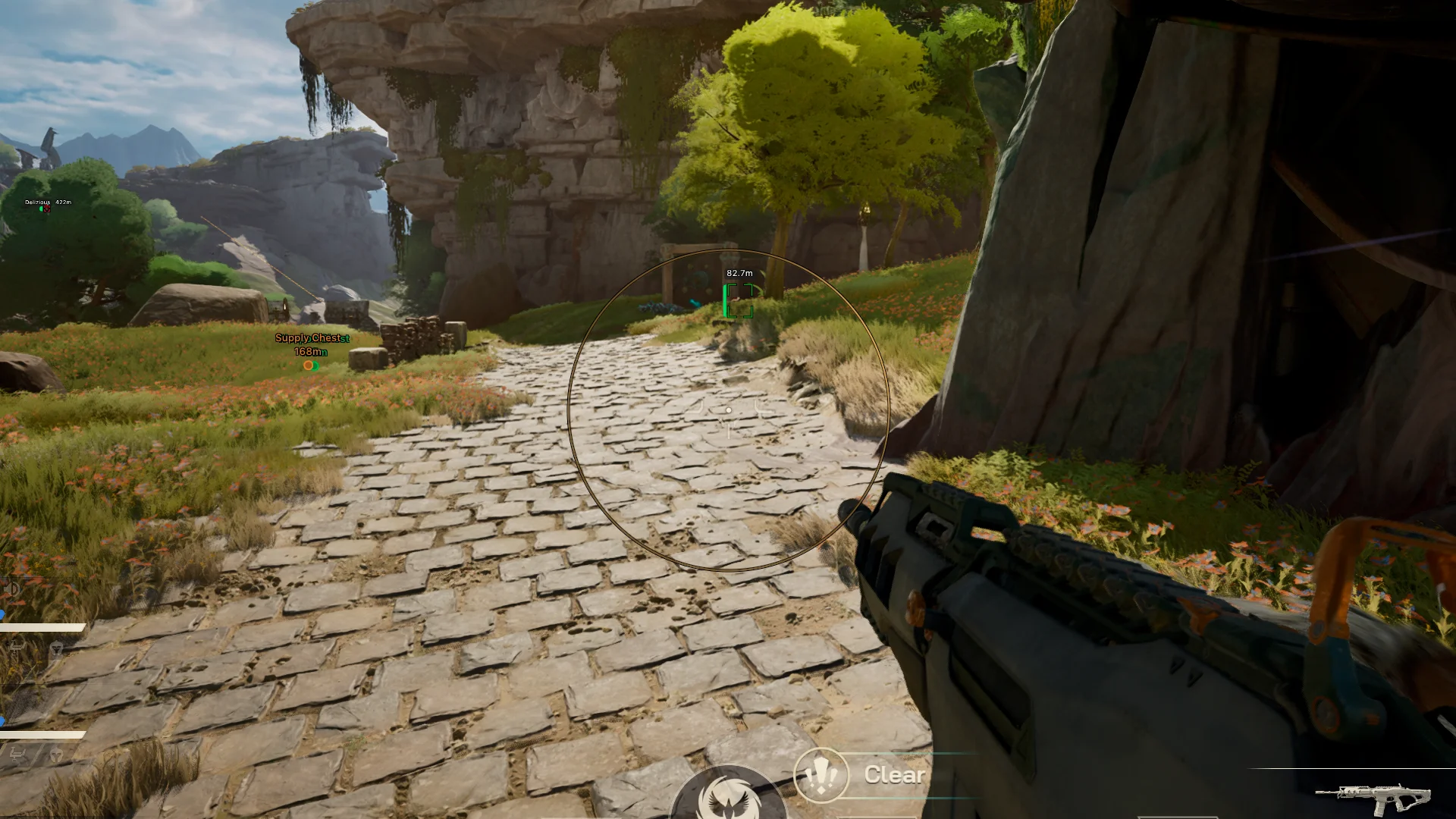
Arcane — an advanced and stable private software for Highguard, developed with a focus on accuracy, informativeness, and easy configuration. The solution is perfect for confident PvP gameplay, giving full control over your surroundings without cluttering the screen with unnecessary elements. At the core of its functionality is a flexible aimbot with extended parameters. The user can choose the aimbot mode (always-on or key-hold), configure adaptive FOV, aiming smoothness, maximum distance, and visibility check. You can also select the target bone, enable FOV circle outline and fill, making the setup clear and precise for any playstyle. Arcane’s ESP system is implemented at a high level and displays entities with detailed visualization: 2D boxes with various styles and fills, skeletons with adjustable thickness, view lines and target lines, health bars with style selection, names, and distance. All elements account for visibility and have display distance limits. Additionally, there is an Items ESP for showing chests with weapons and supplies with customizable distance. The MISC section includes a custom crosshair, UI scale control, FPS limit, VSync, as well as hotkeys for the menu and quick software unload. Arcane for Highguard — a balanced and reliable solution for comfortable and effective gameplay.
System Requirements
- Operating system: Windows 10, Windows 11 (21H2, 22H2, 23H2, 24H2, 25H2)
- Processor: Intel & AMD
- Video card: Nvidia & AMD
- Client: Steam
Aimbot (Aim)
- Enable – enables or disables the aimbot
- Aim Key – sets the aim activation key
- Adaptive FOV – automatically adjusts the FOV circle size
- Visible Check – aim targets only visible enemies
- Aim Mode – aim mode: always on or hold‑to‑activate
- Bone – selects the target bone
- Draw FOV Border – displays the FOV circle border
- Draw FOV Background – displays the FOV circle fill
- FOV Size – adjusts the FOV circle size
- Smoothness – controls aim smoothing
- Max Distance – maximum aim working distance
Players ESP (WH)
- Bounding Box – displays a 2D box around entities
- Box Style – selects the box style
- Fill Box – enables box fill
- Fill Style – selects the box fill type
- Visible Check – colors visible and invisible players differently
- Skeleton – displays the entity skeleton
- Skeleton Thickness – adjusts skeleton line thickness
- View Line – shows the view direction
- Snaplines – WH lines drawn to players
- Health Bar – displays a health bar
- Health Style – selects the health bar style
- Name – displays player names
- Distance – shows distance to players
- Max Distance – maximum distance for entity rendering
Items ESP (Loot)
- Distance – displays distance to chests
- Max Distance – maximum distance for chest rendering
- Weapon Chests – displays weapon chests
- Supply Chests – displays supply chests
Other Arcane Highguard Features
- ESP Colors – allows setting custom colors for ESP elements (players, chests, boxes, etc.)
- Menu Key – allows assigning a menu‑open key
- Unload Key – key to unload the software
- Crosshair – enables a custom crosshair
Ty for review 🤗
Leave review
Similar Products
Mason EFT
- Aimbot + Silent Aim for maximum accuracy
- Informative WH for Players, Loot, and Items
- Exploits, StreamProof, low chance of ban
Arcane The Midnight Walkers
- Flexible vector aimbot for players and zombies
- Detailed ESP and customizable Loot ESP
- Battle Mode, configs, and menu in 3 languages
Mason Arma III
- Powerful Aimbot for Arma 3
- Practical WallHack for enemies and vehicles
- Simple menu, ban protection
SMG War Thunder
- ESP (WH) with detailed display settings
- Powerful and Accurate Aimbot for War Thunder
- Map Informer, Misc Exploits, and HWID-Spoofer